Home > News > Company News
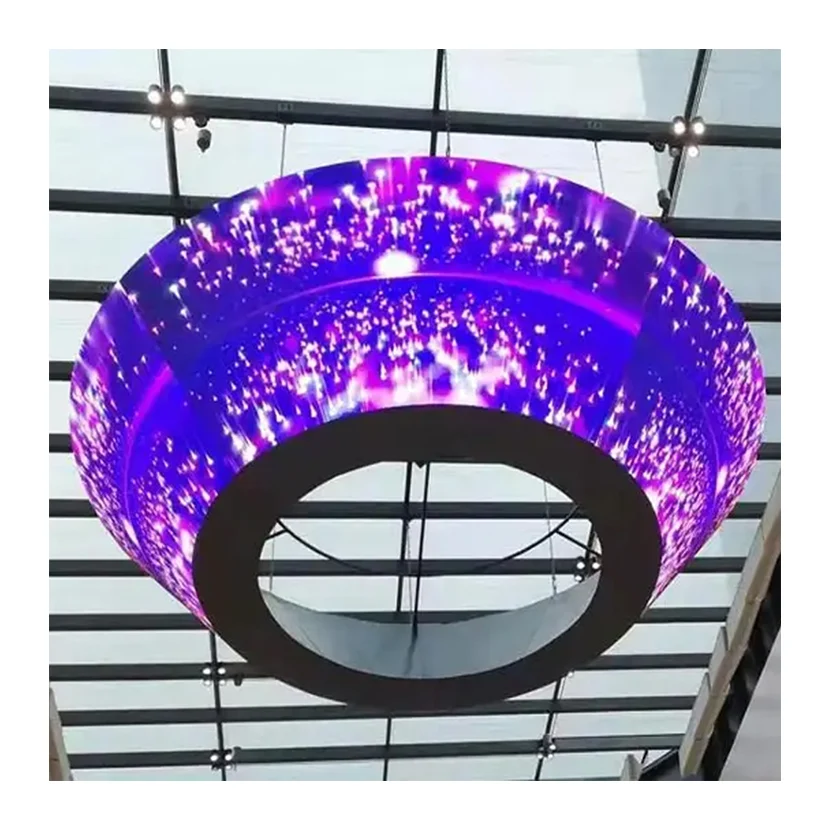
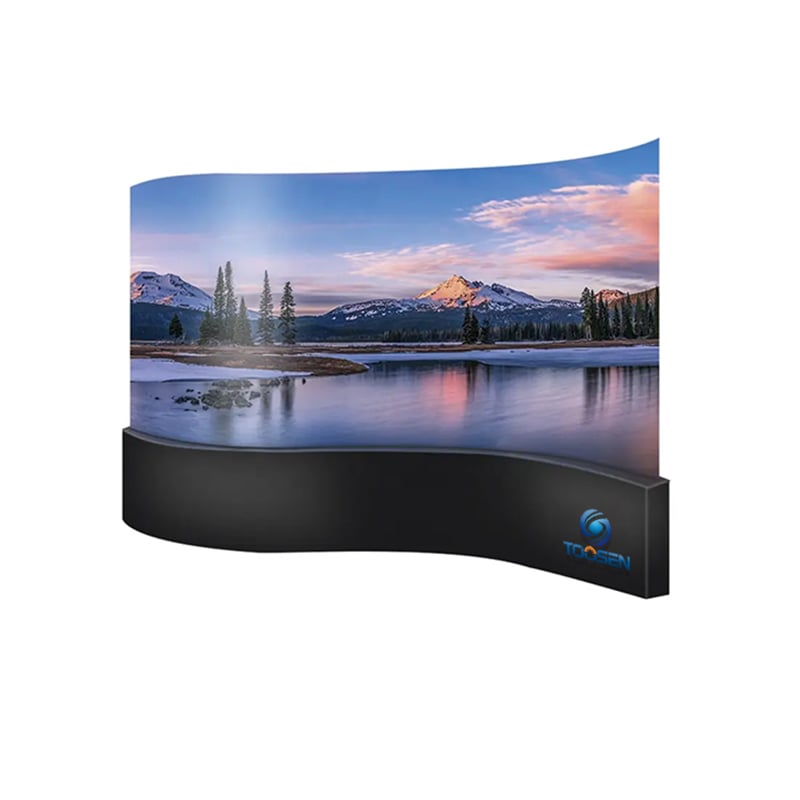
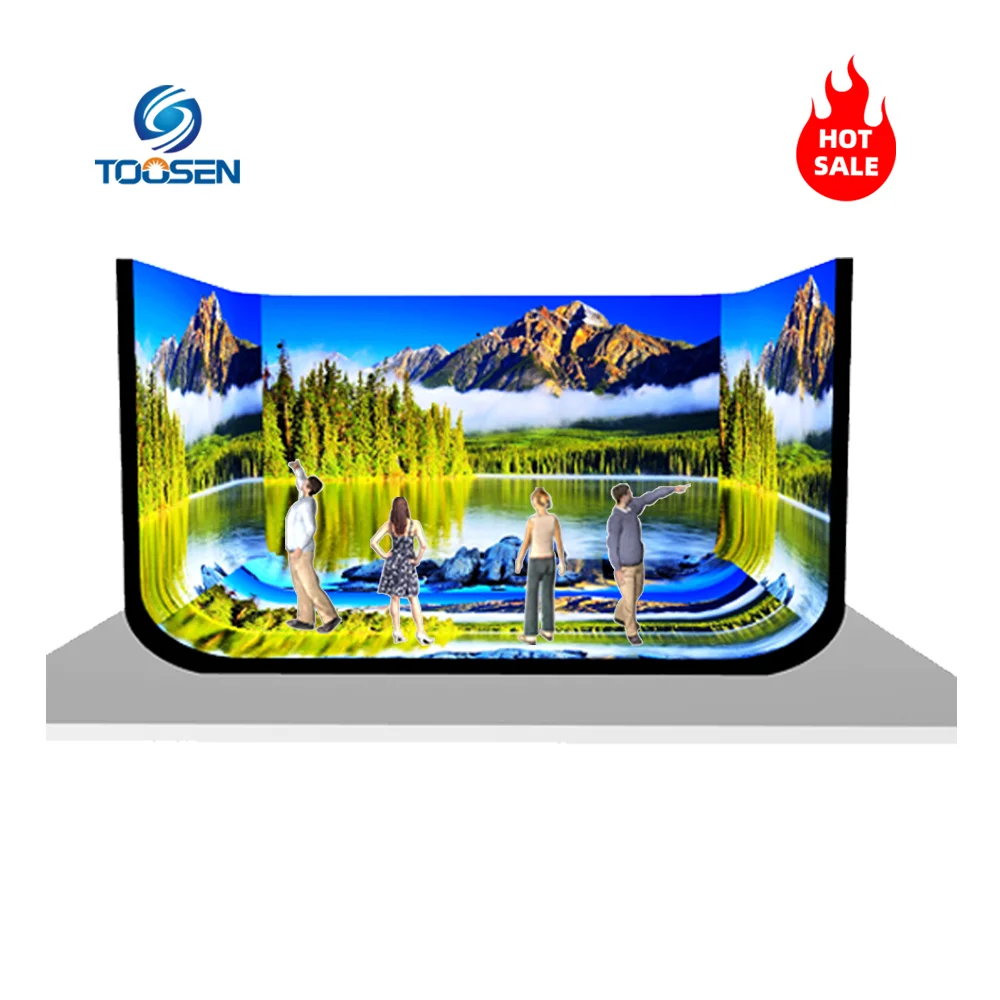
A flexible LED display can create curved walls, cylindrical columns, wave-shaped screens, and other custom installations. However, when a component fails, finding the correct replacement may take time, especially if the screen uses customized module sizes or a special mounting structure.

Without a clear spare parts list, project teams may order incompatible components, wait for replacement shipments, or keep unnecessary inventory.
A project-specific spare parts plan helps integrators reduce downtime and control maintenance costs. Instead of ordering spare parts based only on the total screen area, teams should consider the display design, component compatibility, installation environment, and expected repair requirements.
The first step is to list the main components of the installed system.
Flexible LED modules should receive particular attention because their dimensions, pixel pitch, connector positions, and bending characteristics may vary between models.
Other important spare parts include:
Power supplies: Select units with compatible output voltage, current capacity, and connectors.
Receiving cards: Confirm the hardware model, firmware, and configuration requirements.
HUB boards: Match the board layout and connection type to the original system.
Ribbon cables: Check connector pitch, pin count, length, and signal direction.
Power and network cables: Match cable specifications, connectors, and installation conditions.
Mounting accessories: Prepare suitable magnets, screws, brackets, or other project-specific fixing components.
Not every project needs all these items in the same quantity. The replacement list should reflect the actual system design.
A common mistake is to prepare spare modules using a fixed percentage without considering project conditions.
A better approach is to calculate quantities separately for different components.
For example, suppose a curved retail display uses 240 flexible LED modules. If the project team decides to keep 5% of the modules as spare parts, the calculation is:
240 × 5% = 12 spare modules.
This is a planning example, not a universal requirement. A display installed in an easily accessible retail area may need a different reserve from one installed in a difficult-to-reach architectural structure.
For other components, consider the number of installed units, failure consequences, replacement lead time, and availability from the supplier.
A practical planning table might look like this:
| Component | Planning method | Main consideration |
|---|---|---|
| Flexible LED modules | Percentage of installed quantity | Custom dimensions and pixel pitch |
| Power supplies | Based on installed units and criticality | Output specifications and load |
| Receiving cards | Based on system layout | Model and configuration compatibility |
| HUB boards | Based on installed board types | Connector layout |
| Cables and connectors | Based on wiring layout | Length and connector type |
| Mounting accessories | Based on fixing design | Easy and safe replacement |
For critical installations, consider keeping additional parts when procurement lead times are long or access for repairs is difficult.
A spare part is useful only when it works with the existing display.
For flexible LED modules, verify the pixel pitch, physical dimensions, resolution, LED arrangement, connector positions, and supported bending radius. A module with similar dimensions may still be incompatible with the original display.
For electronic components, check the exact model, voltage requirements, firmware compatibility, and control system configuration.
Color consistency also matters. Even when a replacement module operates correctly, differences in LED batches or calibration settings may make the repaired area visible.
Before confirming an order, ask the supplier to verify the part numbers and compatibility with the original project. For customized screens, provide the approved drawings, module layout, and equipment list whenever possible.
Spare parts should be checked before they are needed in an emergency.
For LED modules, inspect the surface, connectors, and physical condition. Run suitable test patterns to check for dead pixels, abnormal colors, flickering, and brightness differences.
For power supplies, verify the specified output and inspect the terminals and housing. Receiving cards should be checked against the intended control system and configuration.
After testing, label each item with its model, compatible screen, quantity, and inspection date.
Keep the following records together:
Original equipment and spare part numbers
Module coordinates and installation drawings
Receiving card configuration files
Power and signal wiring diagrams
Test results and supplier contact details
These records help technicians identify the correct replacement without repeatedly dismantling the display to check component specifications.
Different applications require different maintenance priorities.
For a curved retail wall, module compatibility and color matching may be especially important because customers can view the screen at close range.
For a cylindrical column, technicians should confirm the module shape, mounting method, and removal procedure before ordering replacements.
For an event display that is frequently installed and dismantled, spare cables, connectors, and modules may be particularly useful because repeated handling can increase the risk of connection problems or physical damage.
For installations with limited maintenance access, planning replacement procedures during the design stage can prevent costly work later.
TOOSEN provides flexible LED display solutions for curved, cylindrical, and other customized applications. Explore the flexible LED display product range to review available configurations and discuss project-specific requirements.
Before the display leaves the factory, the project manager, engineer, and supplier should review the spare parts list together.
Confirm the quantity of each item, model numbers, compatibility, test status, packaging, and delivery destination. Check that the spare modules match the approved design and that essential configuration files and wiring diagrams are available.
A useful final checklist includes:
All spare quantities are confirmed.
Customized modules are correctly identified.
Electronic components match the installed system.
Spare parts have passed the required checks.
Parts are clearly labeled and safely packed.
Drawings and configuration files are backed up.
The customer knows how to request future replacements.
This process gives the installation team a clear reference and reduces the risk of ordering incorrect parts after handover.
There is no single percentage suitable for every project. A reserve of 5% can serve as an initial planning example, but the final quantity should depend on screen size, installation conditions, customization, and replacement lead time.
Not automatically. Pixel pitch, dimensions, connectors, electrical specifications, control configuration, and calibration may differ. Confirm compatibility with the original system before ordering.
Flexible LED modules, power supplies, receiving cards, HUB boards, and cables are common candidates. The priority depends on the system design and which failures would cause the greatest downtime.
Ideally, finalize the list during project design or procurement and verify it before shipment. This allows time to confirm compatibility and arrange customized replacements.
Provide the original order number, screen model, pixel pitch, module dimensions, component part numbers, installation drawings, and photographs of the existing components. These details help the supplier identify suitable replacements more accurately.
Conclusion
A reliable flexible LED display spare parts plan is based on the actual project rather than a generic inventory formula. By identifying critical components, calculating reasonable reserve quantities, verifying compatibility, and testing parts before shipment, project teams can reduce repair delays and make long-term maintenance easier.
Contact TOOSENLED with your display model, project drawings, module specifications, and existing component list.
 EN
 AR
 BG
 HR
 CS
 DA
 NL
 FI
 FR
 DE
 EL
 HI
 IT
 JA
 KO
 NO
 PL
 PT
 RO
 RU
 ES
 SV
 TL
 ID
 SR
 UK
 VI
 ET
 HU
 TH
 TR
 FA
 AF
 MS
 GA
 HY
 AZ
 MN
 UZ