Home > News > Company News
A shaped bar DJ LED display is often used behind DJ booths, on stage structures, and in entertainment venues. It needs to display fast-moving graphics, flashing lights, text, and video effects.
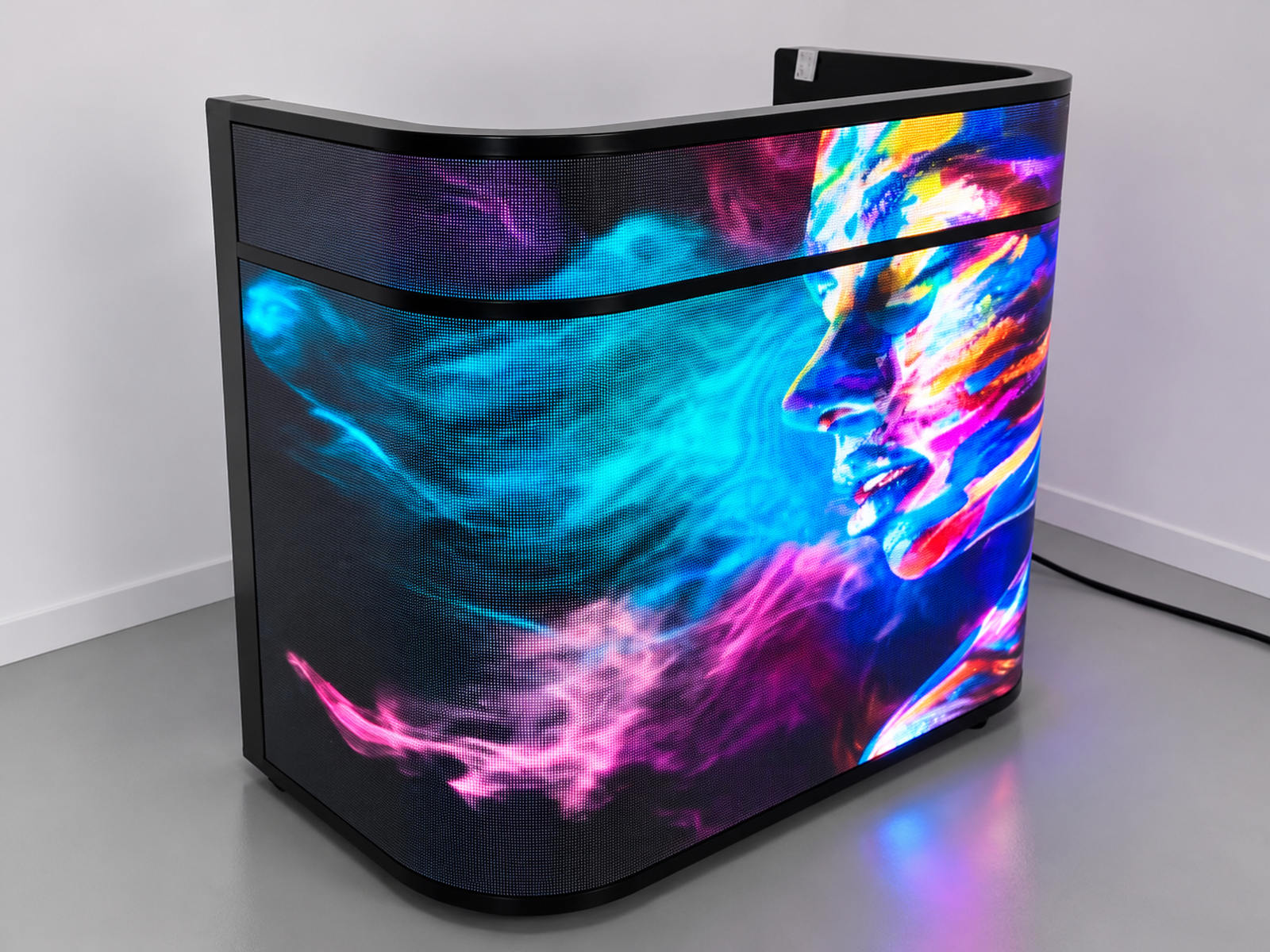
However, some displays may show unexpected visual problems during operation. Bright objects may leave faint trails, horizontal lines may appear, or certain areas may flicker when the content changes quickly.
These problems are commonly described as LED display ghosting or scan artifacts.
Before accepting a new DJ LED screen, buyers should check whether these effects come from the LED modules, scanning system, control settings, or video source.
Ghosting may seem like a minor display issue during ordinary playback, but it becomes more noticeable in a nightclub or live performance.
For example, when a DJ plays fast electronic music with moving graphics, a bright line may leave a visible trail against a dark background. Small text and moving logos may also become difficult to read.
There are three common consequences:
Visual distraction: Image trails make fast-moving content look unclear.
Uneven image quality: Some sections of the shaped screen may appear different from others.
Camera recording problems: Scan lines and flickering may become more obvious in recorded videos.
For professional DJ installations, these issues should be checked before the display is delivered or installed.
Not every ghosting problem has the same cause. Buyers should understand several possible sources before replacing components.
3.1 Incorrect Scan Timing
LED modules use scanning methods to control different rows of pixels. If the scanning timing is unstable or does not match the required configuration, abnormal brightness, horizontal lines, or flickering may appear.
3.2 Driver IC Performance
The driver IC controls how LED pixels receive signals and maintain their brightness. Poor signal handling or unsuitable driver settings may cause visible afterimages, especially when displaying dark backgrounds with bright moving objects.
3.3 Refresh Rate and Grayscale Settings
A high refresh rate does not automatically guarantee perfect image quality. Low-grayscale performance, incorrect configuration, and signal timing can also affect the display.
3.4 Signal Transmission Problems
Loose connectors, damaged cables, or unstable data transmission may cause image abnormalities in specific sections of the screen.
3.5 Video Source and Processing Settings
Sometimes the LED display is not the actual problem. Incorrect frame rates, video processing delays, or unsuitable output settings may create motion trails before the signal reaches the screen.
The first step is to identify where the problem occurs.
Start by checking the receiving cards, driver IC configuration, and module scanning parameters. Confirm that the actual hardware configuration matches the control software settings.
Next, inspect signal cables and connectors. Replace questionable cables and check whether the abnormal image disappears.
The display controller should also be checked for correct resolution, refresh settings, and grayscale configuration.
For curved or irregular DJ booth screens, technicians should inspect each display section separately. A problem affecting only one section may indicate a local module, connection, or configuration issue rather than a complete-screen failure.
Finally, test the display using the same video source and playback conditions expected during actual performances.
A complete inspection should include several different test patterns instead of relying on ordinary video playback.
Test 1: Moving White Bar Test
Display a narrow white bar moving across a black background.
Observe whether the bar leaves a visible trail, develops uneven edges, or produces unexpected horizontal lines.
Test 2: Grayscale Transition Test
Display several grayscale levels, especially dark gray transitioning into brighter gray.
Check whether pixels respond consistently and whether unwanted brightness remains after the image changes.
This test is useful for identifying low-grayscale abnormalities that may not be obvious in full-brightness content.
Test 3: Fast-Motion Video Test
Play fast-moving graphics, scrolling text, and high-contrast animations.
Check whether the edges remain clear and whether the image appears delayed or duplicated.
Compare different playback frame rates to determine whether the issue is related to the video source or display system.
Test 4: Camera and Visual Inspection
Observe the screen directly with the naked eye before using a camera.
Then record it with a camera at different shutter speeds. If horizontal bands appear only in camera footage, the issue may be related to camera shutter timing and LED scanning interaction rather than visible ghosting during normal viewing.
Record the test results for each screen section.
For a shaped bar DJ LED display, several components deserve special attention:
LED Modules: Check pixel consistency, soldering quality, and module condition.
Driver ICs: Confirm suitable driving performance and stable grayscale output.
Receiving Cards: Check configuration, signal reception, and communication stability.
Power Supplies: Verify stable voltage output under different brightness levels.
Signal Cables: Inspect connectors, cable quality, and transmission reliability.
Control System: Confirm that the resolution, refresh rate, and scanning configuration are correctly matched.
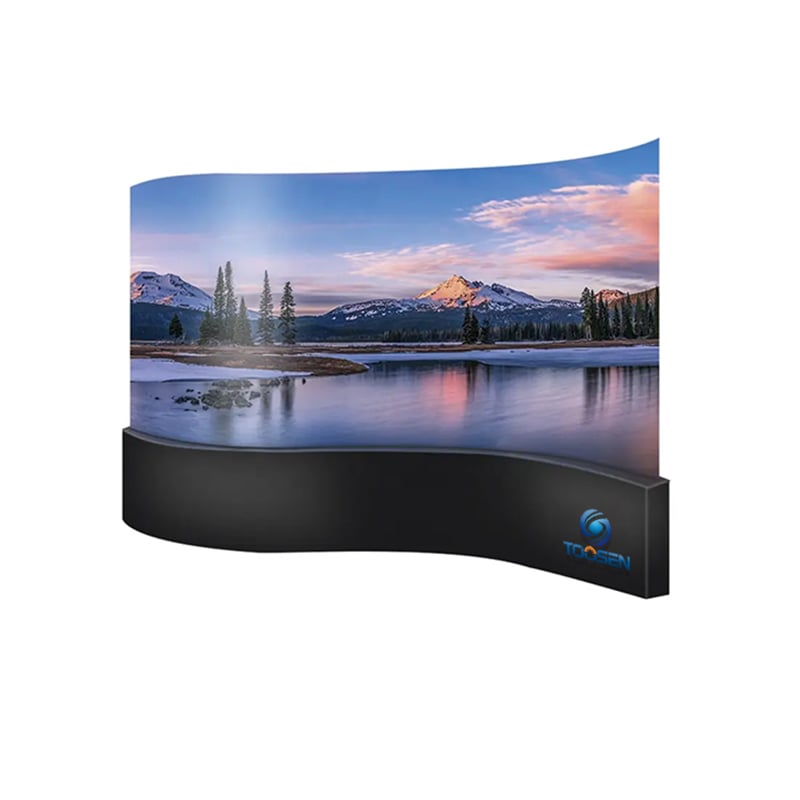
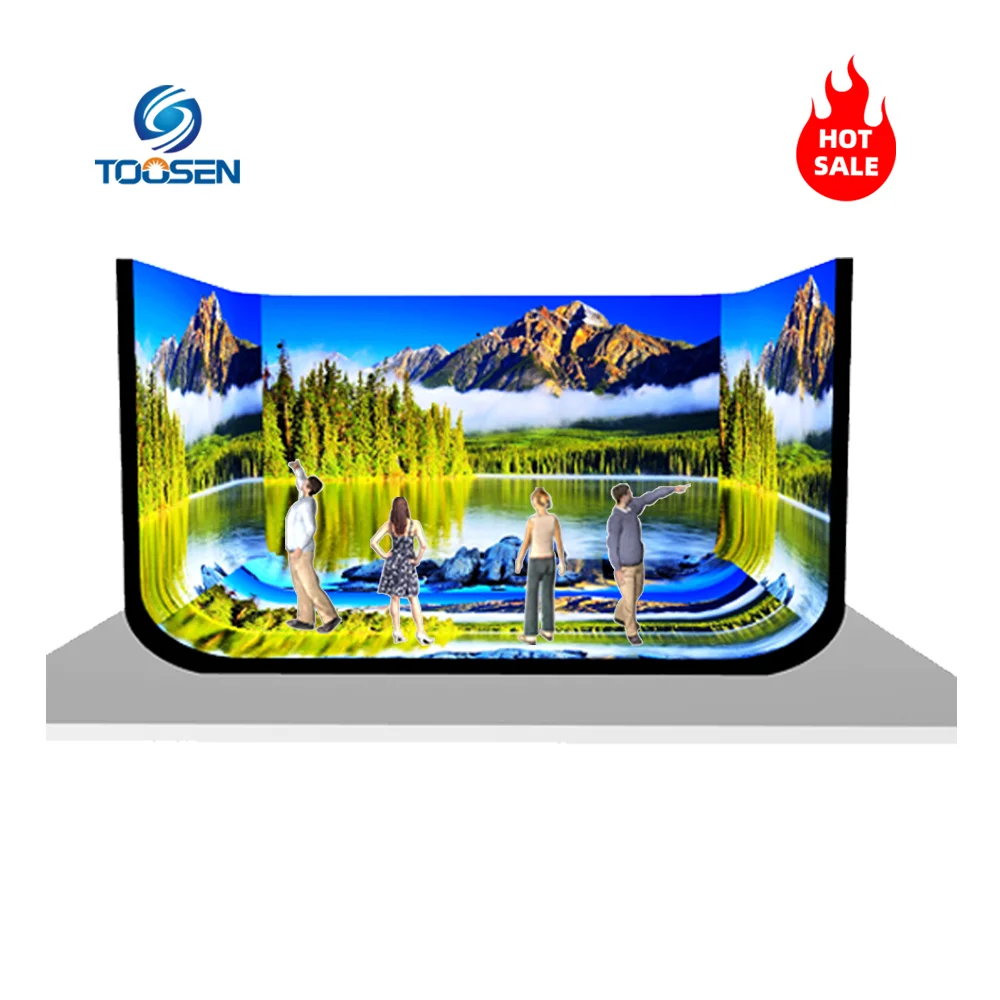
The mechanical shape of the DJ booth should also be considered. Curved or irregular sections may require different module arrangements and individual mapping configurations.
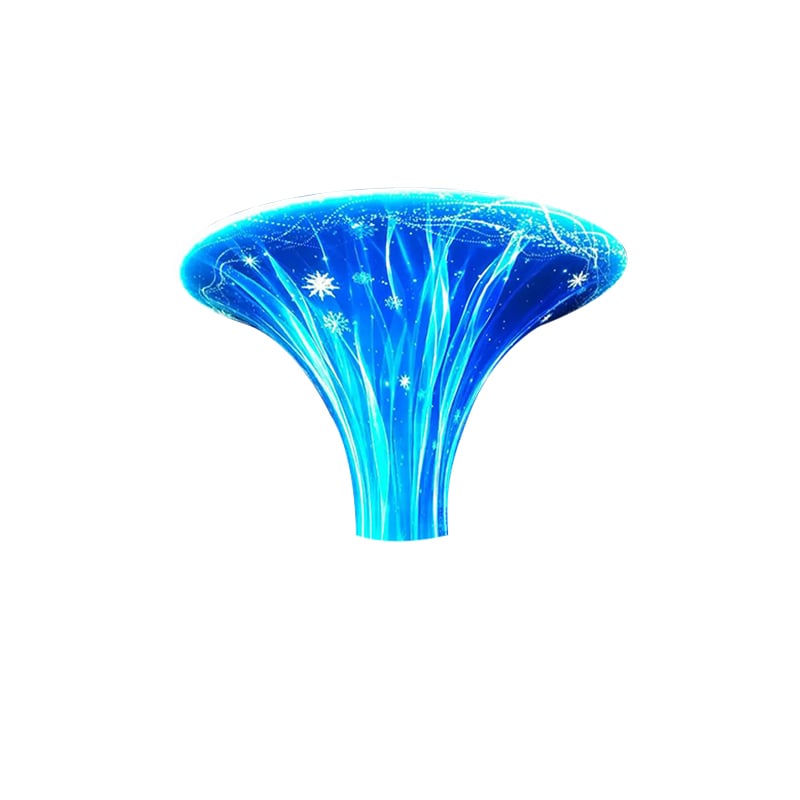
Explore TOOSEN's Shaped LED Display Solutions for customized display structures and project options.
Imagine a nightclub installing a customized bar-shaped LED screen behind its DJ booth.
Before delivery, the engineering team performs a complete display inspection.
First, they play a moving white bar pattern to identify possible scan artifacts. Next, they test grayscale transitions and fast-moving music graphics.
During inspection, one section shows a faint image trail. The technicians then check its receiving card configuration and signal connections.
After correcting the configuration, they repeat the same test patterns and compare the results.
This type of inspection helps identify problems before the screen is used during live performances. It also gives the installation team a clear record of the display's condition before acceptance.
Q1: What is ghosting on an LED DJ display?
Ghosting refers to visible image trails or residual images that remain around moving or changing content. It may result from display driving, signal processing, or video source issues.
Q2: Is ghosting always caused by a low refresh rate?
No. Refresh rate is only one factor. Driver IC performance, scanning configuration, grayscale settings, and signal transmission can also affect image quality.
Q3: How can I distinguish camera flicker from actual display ghosting?
Check the screen directly first. If the problem only appears in camera footage, it may be caused by the interaction between camera shutter speed and LED scanning frequency.
Q4: Should a shaped DJ LED screen be tested with moving videos before shipment?
Yes. Static color patterns alone are not enough. Moving graphics, scrolling text, grayscale transitions, and high-contrast videos should also be included in acceptance testing.
Q5: Can TOOSEN customize shaped LED displays for DJ booths?
Yes. TOOSEN provides customized special-shaped LED display solutions, including irregular and curved structures, with OEM and ODM services.
Shenzhen Toosenled Optoelectronics Co., Ltd. was established in 2014 and specializes in LED display research, development, manufacturing, and engineering solutions.
Our product range includes indoor and outdoor LED displays, flexible LED screens, spherical displays, and customized special-shaped LED screens.
Our products have obtained international certifications including CE, FCC, and RoHS. We also provide technical support covering product design, production, installation, commissioning, and after-sales service.
For customized DJ booth LED displays, we focus on structural design, display performance, and practical testing to help customers achieve reliable visual results.
Visit TOOSENLED Official Website to explore more LED display solutions or discuss your next customized project.
 EN
 AR
 BG
 HR
 CS
 DA
 NL
 FI
 FR
 DE
 EL
 HI
 IT
 JA
 KO
 NO
 PL
 PT
 RO
 RU
 ES
 SV
 TL
 ID
 SR
 UK
 VI
 ET
 HU
 TH
 TR
 FA
 AF
 MS
 GA
 HY
 AZ
 MN
 UZ