Home > News > Industry News
Many first-time LED wall buyers assume they can connect a computer directly to an LED screen just like a TV or monitor. However, professional LED displays work very differently.
A recent discussion in the Reddit video engineering community revealed a common issue: many users underestimate the importance of the LED control system, especially the video processor.
Whether you build a rental LED wall, church display, virtual production stage, or commercial video wall, the right processor can determine your entire display performance.
In this guide, we explain why video processors matter, how LED control systems work, and why brands like NovaStar dominate the industry.
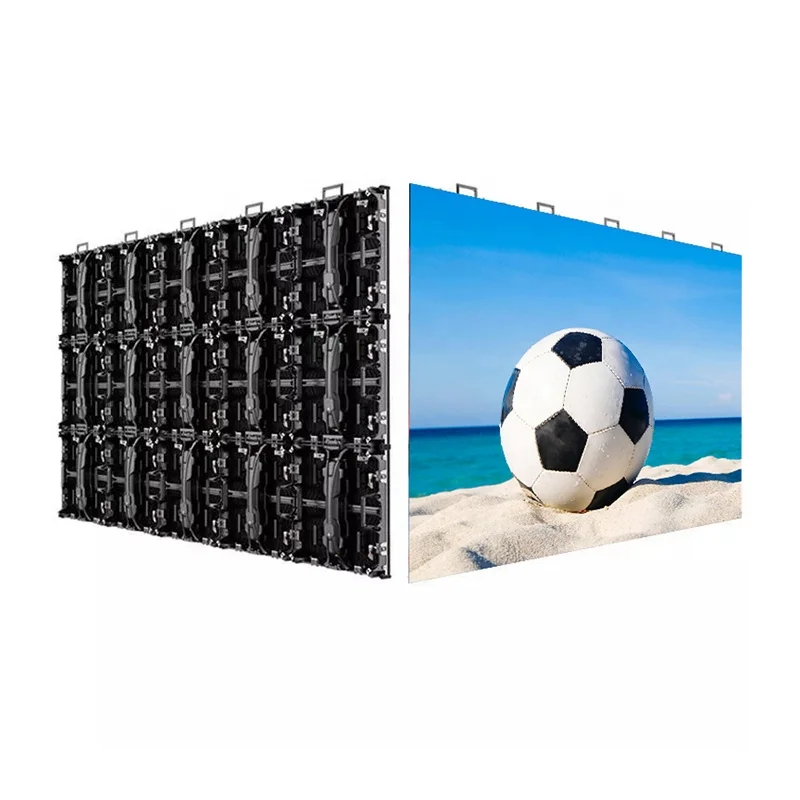
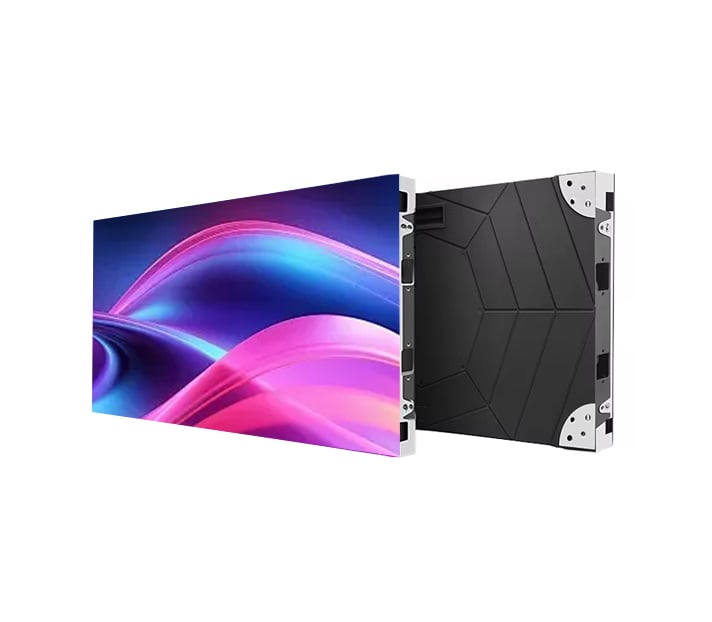
Unlike televisions or LCD monitors, LED walls consist of multiple modular panels connected together.
These panels rely on several core components, including:
As a result, the LED wall cannot simply accept an HDMI signal and display content automatically.
Instead, the system must process, scale, map, and distribute the video signal correctly across the entire screen.
Without proper processing, the display may show:
Therefore, the processor becomes the brain of the entire LED system.
An LED video processor handles multiple critical tasks simultaneously.
LED walls often use custom resolutions such as:
Most video sources do not naturally match these resolutions. Consequently, the processor scales the image correctly to fit the LED wall.
The processor converts HDMI, SDI, DVI, or DisplayPort signals into formats that LED sending cards can understand.
This conversion ensures stable communication between the video source and the LED display.
Large LED walls divide the screen into multiple cabinet sections.
The processor maps content precisely across all receiving cards and LED modules. As a result, the image appears seamless across the entire display.
Professional processors improve:
This becomes especially important for:
Many processors also support:
These features help event operators manage complex productions more efficiently.
During the Reddit discussion, many professionals recommended NovaStar as the safest and most reliable choice.
The company has become a global standard for several reasons.
NovaStar systems support a wide range of LED panel manufacturers and cabinet configurations.
As a result, integrators can deploy the system across many different projects.
Live events and broadcast productions demand reliability.
NovaStar processors and sending cards deliver stable signal transmission even in large-scale LED installations.
Many technicians prefer NovaStar because:
For beginners, this significantly reduces the learning curve.
Commonly used products include:
These products appear frequently in:
Many LED wall problems begin before installation even starts.
Some buyers focus only on cabinet size or pixel pitch while ignoring total screen resolution.
However, every LED wall has a fixed pixel count.
For example:
| LED Wall Size | Total Resolution |
|---|---|
| Small stage wall | 1920×1080 |
| Wide LED backdrop | 3840×1080 |
| XR volume wall | Custom resolution |
If the processor output does not match the wall resolution correctly, several issues can appear immediately.
These include:
Therefore, professional integrators always calculate:
before purchasing equipment.
Some first-time buyers try to reduce costs by skipping professional processors.
Unfortunately, this decision often creates additional technical problems later.
Low-cost systems commonly suffer from:
Moreover, troubleshooting these issues usually costs more time and money than buying the correct processor initially.
For live productions, reliability matters far more than saving a small amount upfront.
The ideal processor depends on your application.
Choose processors with:
Focus on:
Prioritize:
Look for:
A professional LED wall requires far more than high-quality panels.
The control system ultimately determines:
That is why experienced video engineers consistently recommend professional video processors and trusted control platforms like NovaStar.
If you plan to build an LED video wall, invest in the control system first. A properly configured processor will improve image quality, simplify installation, and prevent costly technical issues later.
 EN
EN
 AR
AR
 BG
BG
 HR
HR
 CS
CS
 DA
DA
 NL
NL
 FI
FI
 FR
FR
 DE
DE
 EL
EL
 HI
HI
 IT
IT
 JA
JA
 KO
KO
 NO
NO
 PL
PL
 PT
PT
 RO
RO
 RU
RU
 ES
ES
 SV
SV
 TL
TL
 ID
ID
 SR
SR
 UK
UK
 VI
VI
 ET
ET
 HU
HU
 TH
TH
 TR
TR
 FA
FA
 AF
AF
 MS
MS
 GA
GA
 HY
HY
 AZ
AZ
 MN
MN
 UZ
UZ