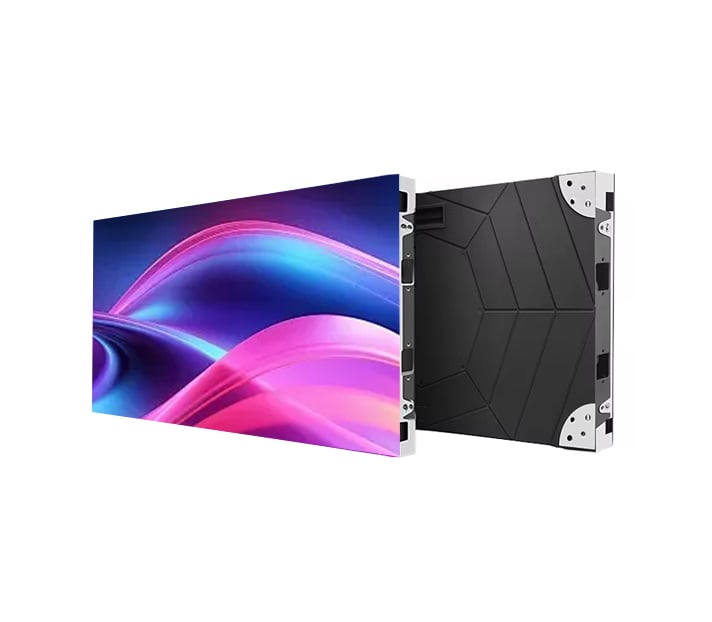
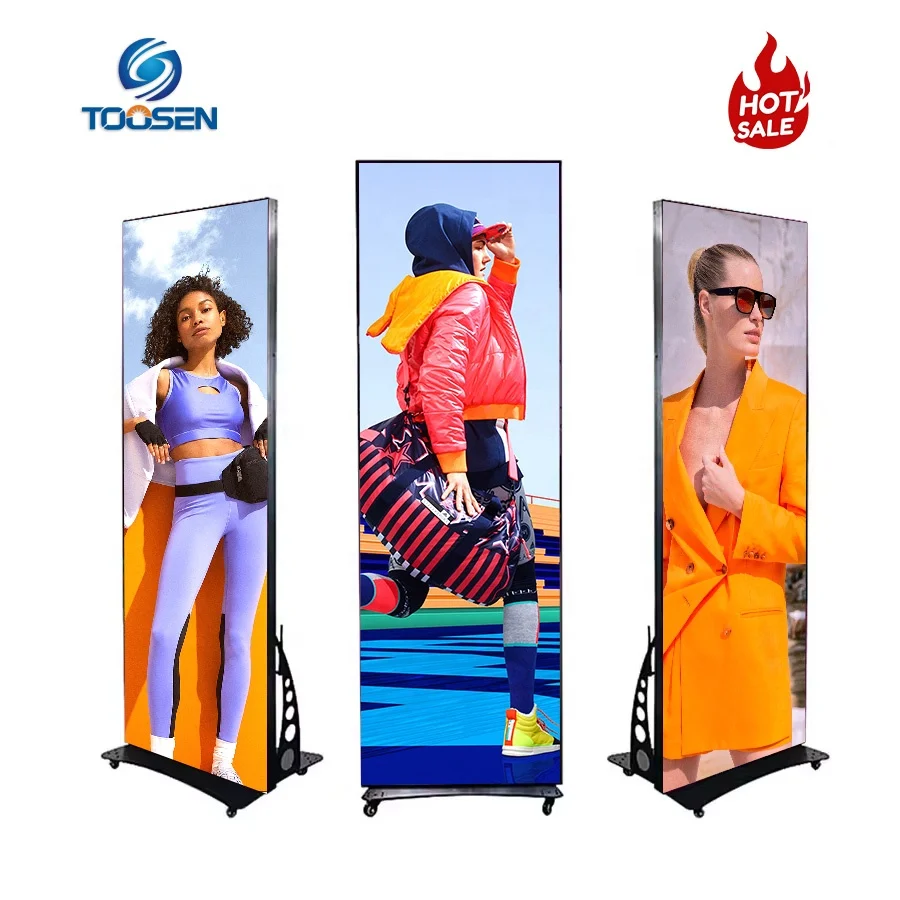
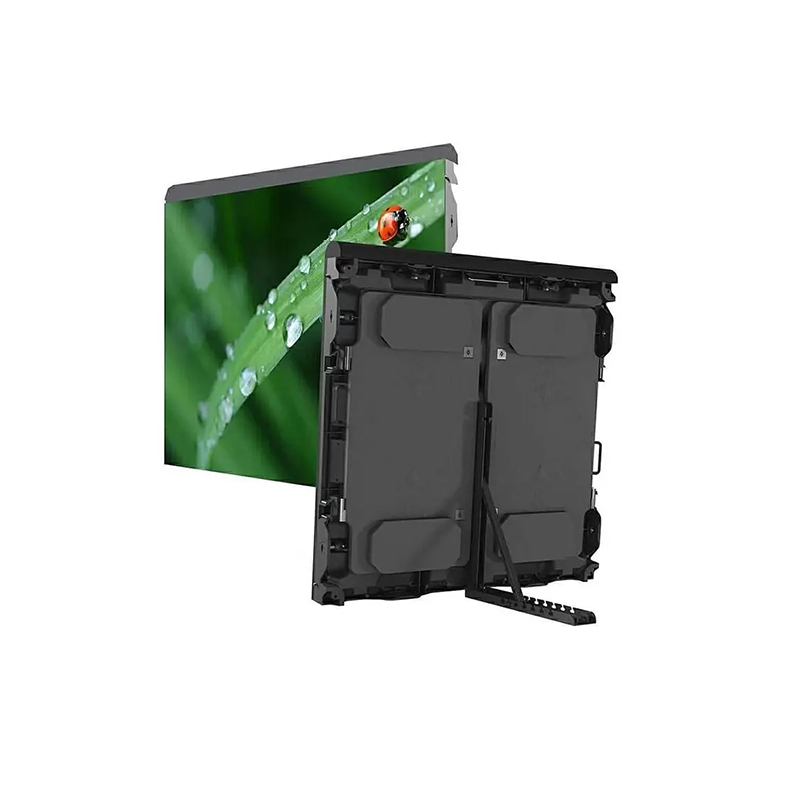
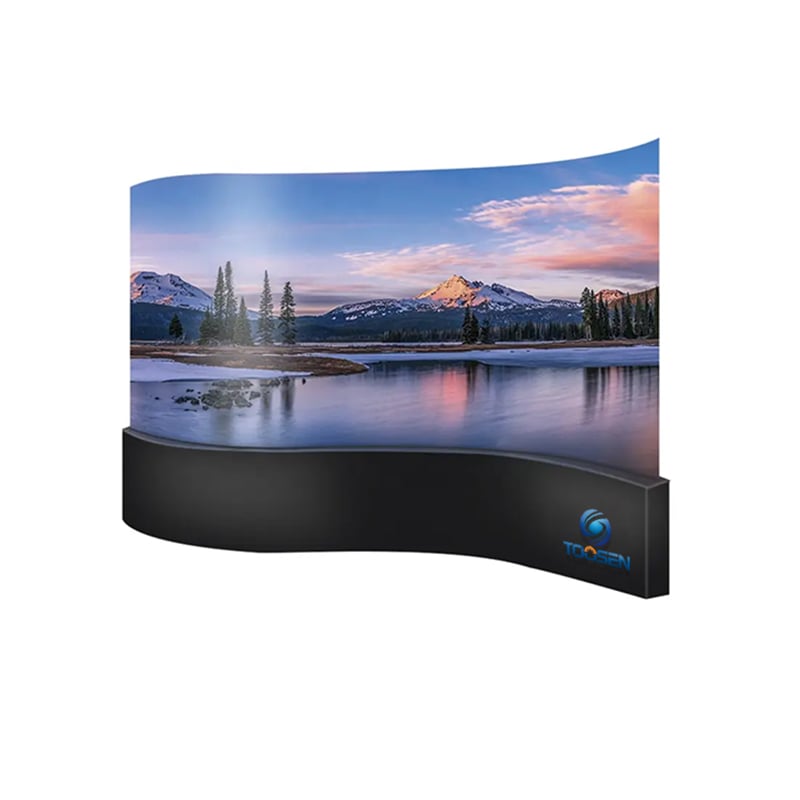
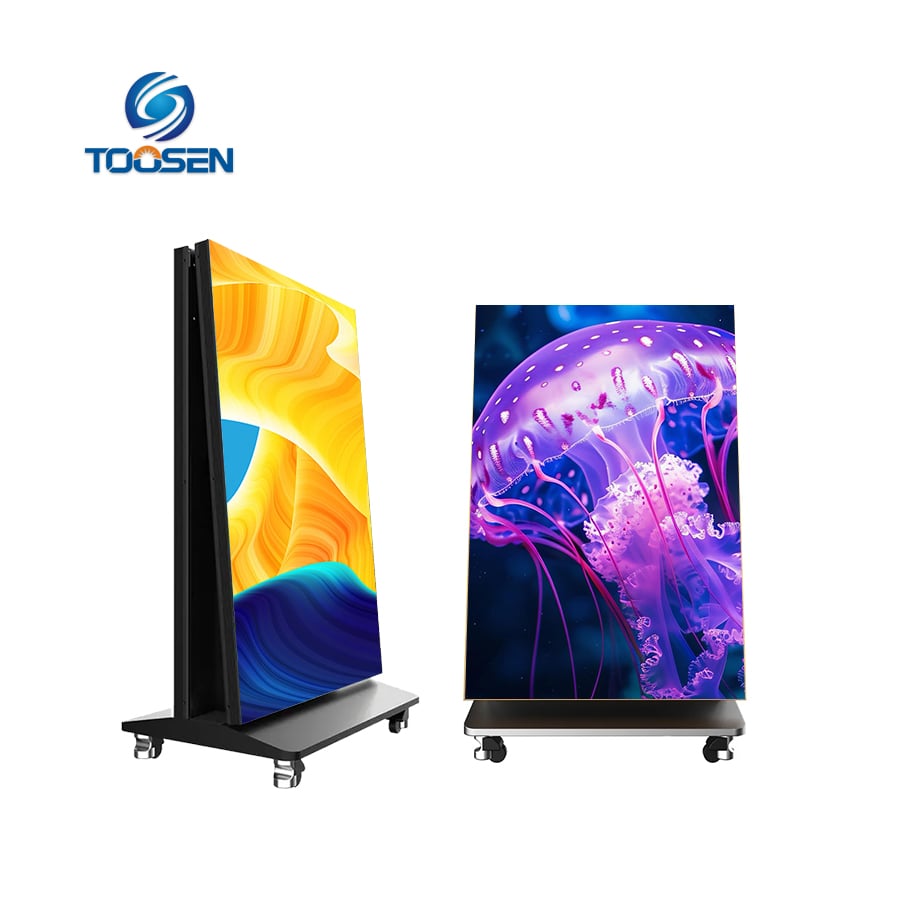
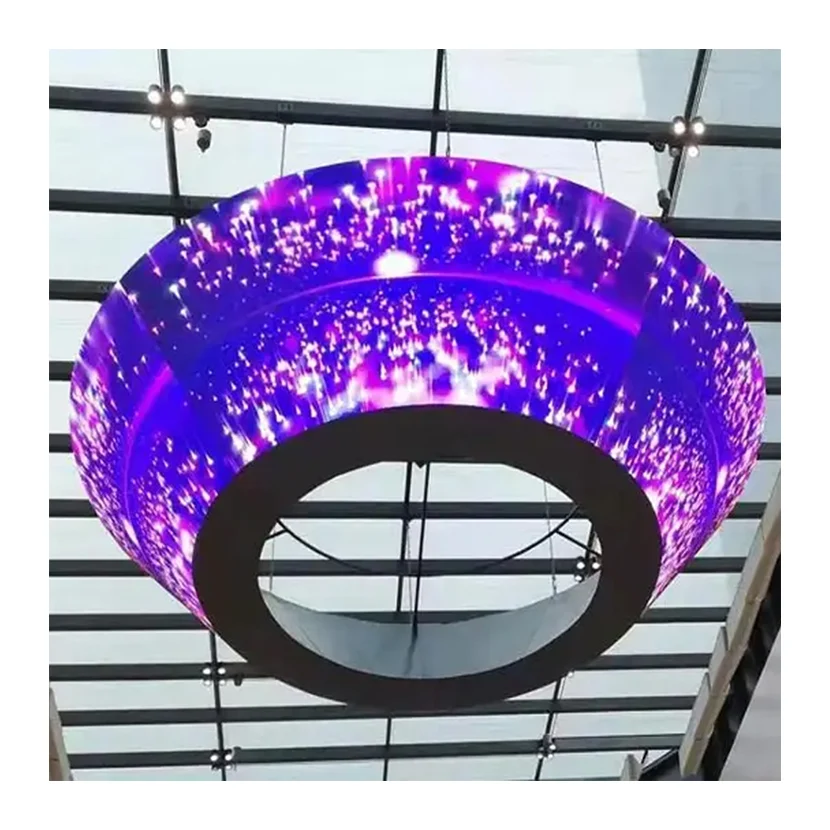
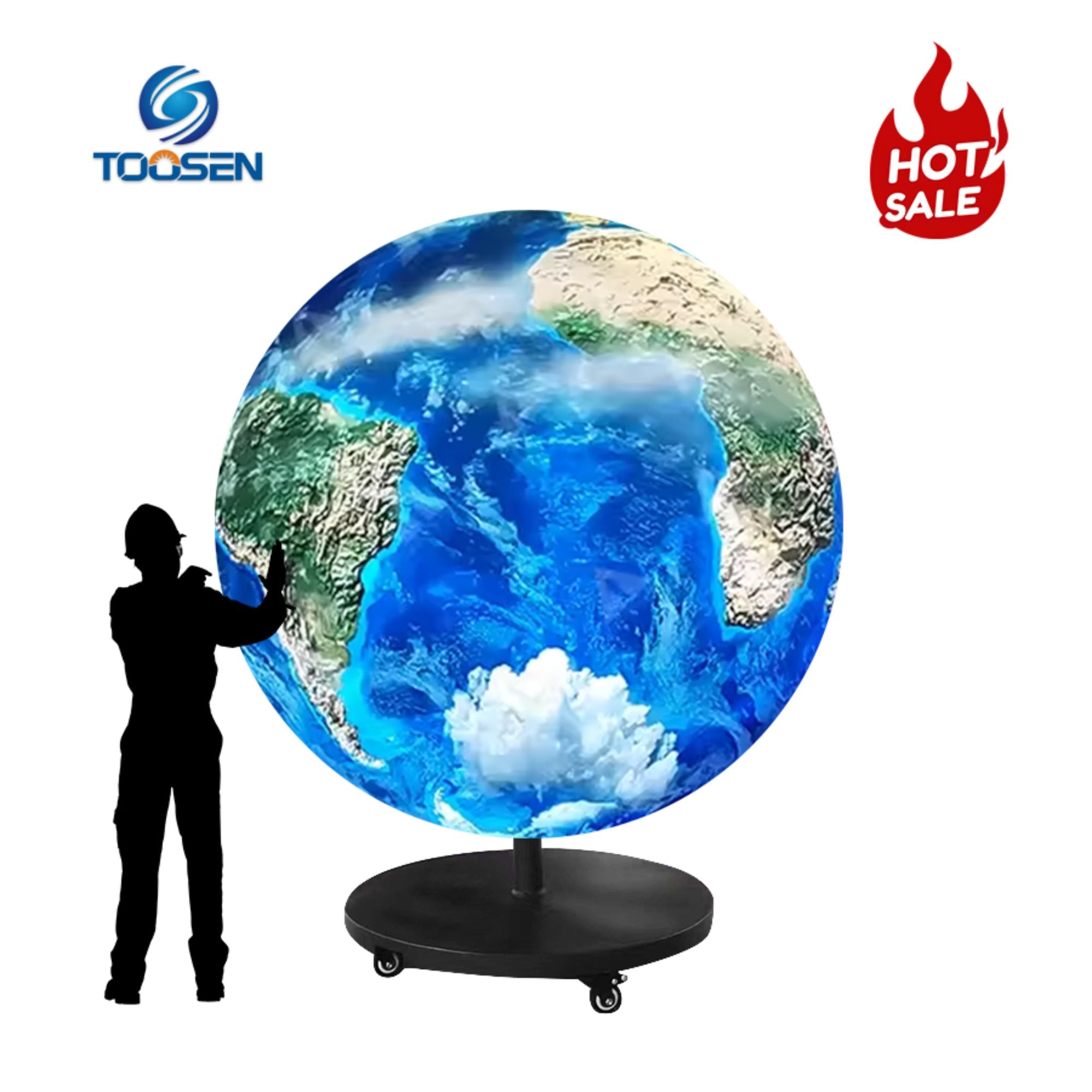
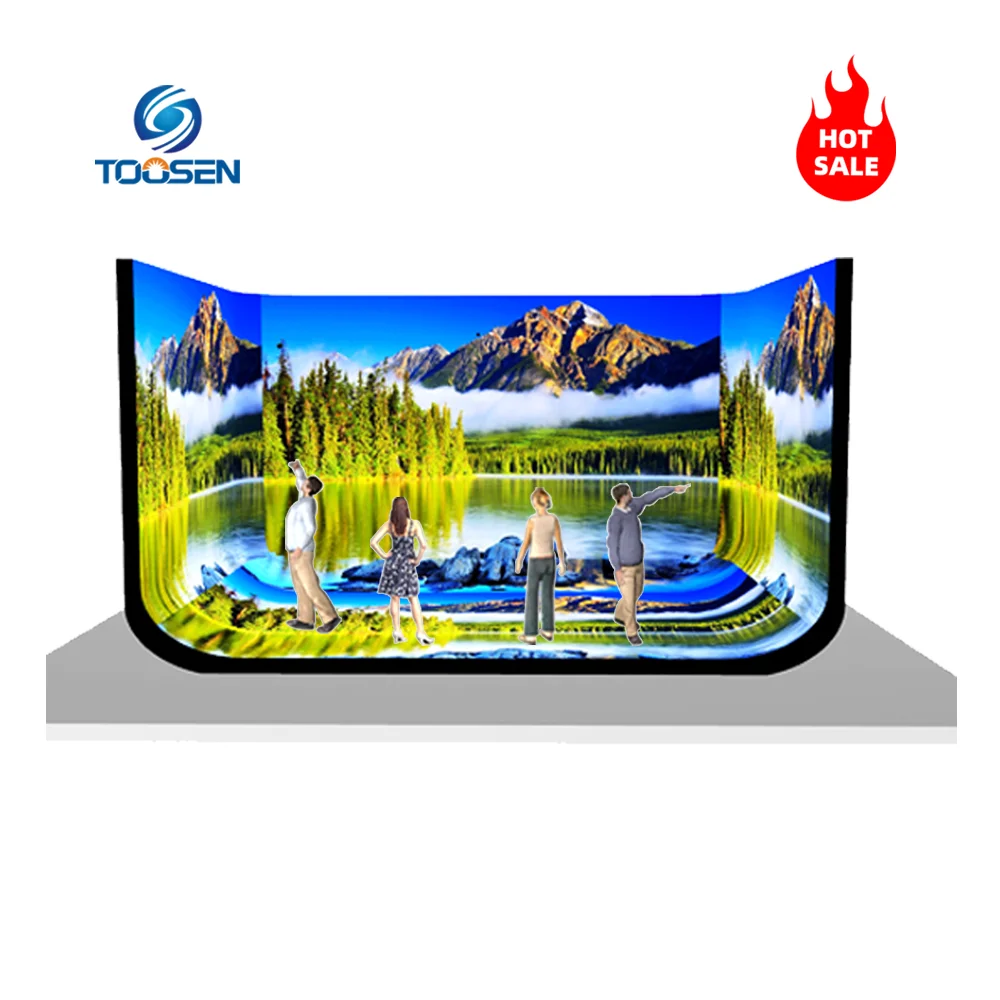
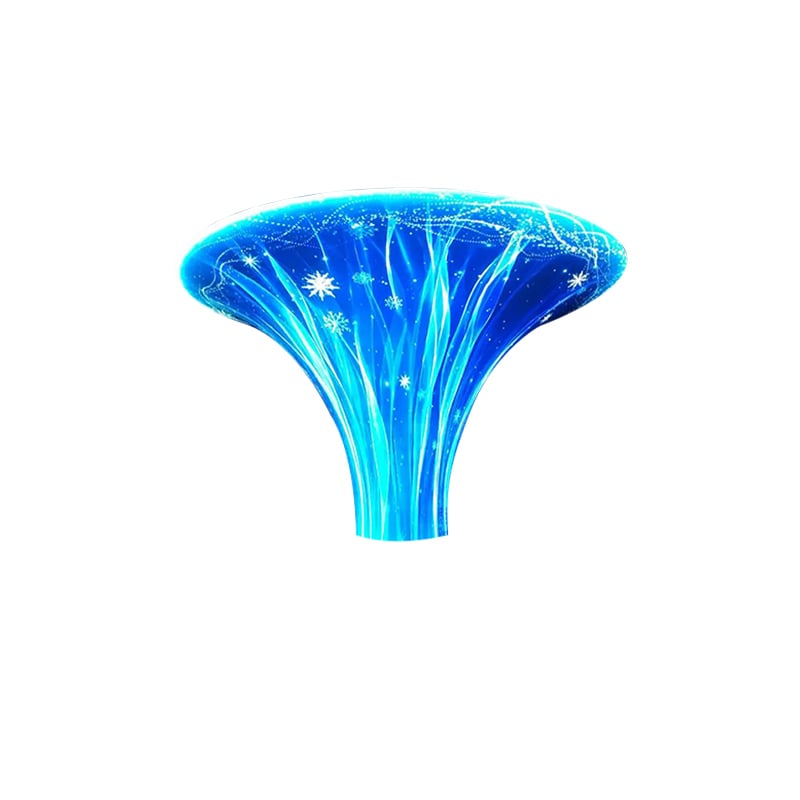
Yaratıcı LED Ekranlar genellikle standart LED ekranlarla aynı video formatlarını destekler. En yaygın olarak kullanılan formatlar arasında MP4, AVI, MOV, WMV ve birkaç diğer format yer alır.
Ancak yaratıcı şekilli LED ekranlar için en önemli faktör dosya formatının kendisi değil — içerik, ekranın benzersiz şekli ve piksel düzenine nasıl uyarlanmıştır.
| Format | Uyumluluk | Notlar |
|---|---|---|
| MP4 (H.264 / H.265) | ★★★ En İyisi | Neredeyse tüm LED kontrol sistemleri tarafından desteklenen, yüksek sıkıştırma verimliliğine sahip en evrensel format |
| AVI | ★★☆ İyi | Güçlü uyumluluk sunar ancak dosya boyutları daha büyüktür |
| MoV | ★★☆ İyi | Apple iş akışlarında yaygın olarak kullanılır; geniş ölçüde desteklenir |
| WMV | ★★☆ İyi | Windows tabanlı format; bazı sistemler dönüştürme işlemi gerektirebilir |
| FLV | ★☆☆ Sınırlı | MP4 ile giderek yer değiştiren eski bir format |
| MKV | ★☆☆ Sınırlı | Bazı LED sistemleri tarafından desteklenmez; genellikle MP4’e dönüştürülmesi önerilir |
Yaratıcı LED ekranlarla ilgili gerçek zorluk, video oynatma değil, içerik eşleme işlemidir.
Standart dikdörtgen LED ekranlardan farklı olarak yaratıcı LED ekranlar genellikle şu gibi düzensiz şekillere sahiptir:
Bu nedenle video içeriği, ekran geometrisine uyacak şekilde özel olarak uyarlanmalıdır.
Yaratıcı LED ekranlar genellikle piksel eşleme gerektirir.
Bu, video çözünürlüğünün şu şekilde karşılık gelmesi anlamına gelir:
Kontrol sistemi daha sonra dikdörtgen video kaynağını yaratıcı görüntü alanı üzerine eşler veya dönüştürür.
Uygun eşleme yapılmadığı takdirde içerik şu şekilde görünebilir:
Profesyonel LED yazılımı bu işlemi genellikle özelleştirilmiş eşleme şablonları kullanarak gerçekleştirir.
Bazı yaratıcı LED kurulumları şunları içerir:
Bu durumlarda standart video formatları her zaman yeterli olmaz.
İçerik, alfa kanalı şeffaflığı destekleyen formatlara ihtiyaç duyabilir; örneğin:
Bu formatlar, şeffaf alanların LED ekranında görünmez kalmasını sağlarken yalnızca görsel öğelerin görüntülenmesine izin verir.
Aşağıdaki gibi yüksek düzeyde özelleştirilmiş LED ekranlar:
sıkça özel içerik üretim iş akışları gerektirir.
Tasarımcılar genellikle aşağıdaki gibi 3B yazılımlar kullanarak içerik oluşturur:
İçerik daha sonra gerçek ekran geometrisine göre oluşturulur.
Gerçek zamanlı oynatma ve gelişmiş eşleme için profesyoneller genellikle şu yazılımları kullanır:
Bu sistemler, düzensiz LED yüzeyleri için gelişmiş gerçek zamanlı eşleme ve senkronizasyon desteğine sahiptir.
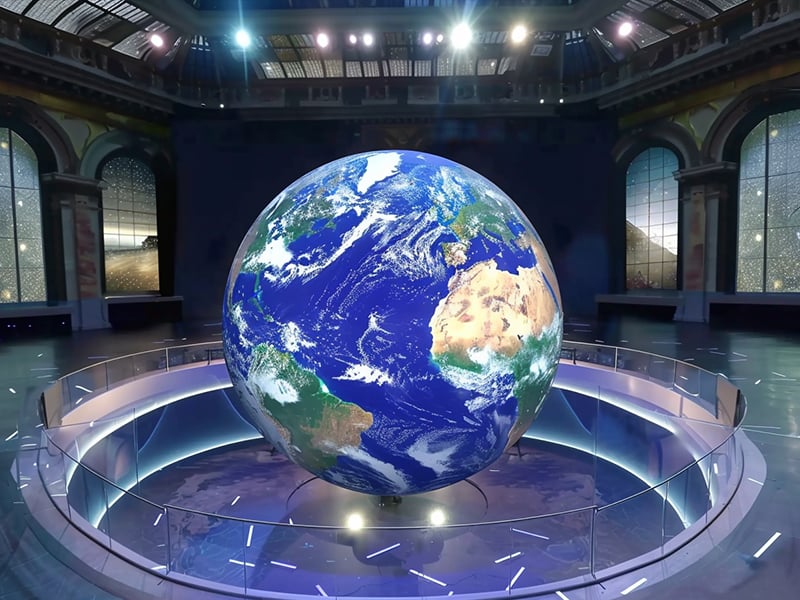
Kullanım Alanı:
Bu format şunları sunar:
Kullanım Alanı:
Bu formatlar, şeffaf arka plan veya katmanlı görsel efektler gerektiren yaratıcı ekranlarda idealdir.
İçeriği dışa aktarmadan önce:
Bu, oynatma sırasında bozulmayı önler.
En güvenli yaklaşım genellikle şudur:
Çoğu LED kontrol sistemi bunu güvenilir şekilde destekler.
Nihai teslimattan önce LED kontrolörünüzün veya medya sunucunuzun teknik özelliklerini de kontrol etmelisiniz.
Yaratıcı LED ekranlar, MP4, AVI, MOV ve WMV dahil olmak üzere çoğu yaygın video formatını destekler.
Ancak temel fark, biçimin kendisi değil — içerik, ekranın düzensiz şekline nasıl uyarlanır.
En iyi sonuçlar için:
Yaratıcı LED projelerinde doğru piksel eşleme ve içerik özelleştirme, genellikle yalnızca video formatından daha önemlidir.
 EN
EN
 AR
AR
 BG
BG HR
HR
 CS
CS
 DA
DA
 NL
NL
 FI
FI FR
FR
 DE
DE EL
EL
 HI
HI
 IT
IT JA
JA
 KO
KO
 NO
NO PL
PL PT
PT RO
RO
 RU
RU
 ES
ES
 SV
SV
 TL
TL
 ID
ID
 SR
SR
 UK
UK VI
VI
 ET
ET
 HU
HU
 TH
TH
 TR
TR
 FA
FA
 AF
AF
 MS
MS
 GA
GA
 HY
HY
 AZ
AZ
 MN
MN
 UZ
UZ