
Home > News > Industry News
An LED dome screen is a cutting-edge display solution that delivers vivid colors, sharp image quality, and high brightness for excellent visibility in both indoor and outdoor environments. Toosen’s LED dome screens, for example, are widely used in advertising, entertainment, and immersive experiences. However, even the most advanced display will underperform if you install or maintain it incorrectly.
In this guide, you’ll learn how to install and maintain an LED dome screen properly—so you can protect your investment and achieve consistent, high-quality performance.
First, let’s be clear: installation and maintenance directly impact display quality, safety, and lifespan. A poorly installed screen may suffer from structural risks or uneven visuals. Likewise, neglecting maintenance can lead to brightness degradation, color inconsistency, or even permanent damage.
Therefore, following best practices from day one is essential.
Start by evaluating the installation environment carefully. You should select a location that meets your viewing requirements and enhances the visual experience.
Although LED dome screens work both indoors and outdoors, you should avoid placing them in direct sunlight whenever possible. Strong sunlight can reduce contrast and wash out colors, especially in daytime conditions. Instead, opt for shaded or controlled-light environments to maintain optimal image clarity.
At the same time, consider viewing angles and audience distance. A well-positioned screen will immediately improve engagement and visual impact.
Next, focus on structural safety. A dome screen often involves complex geometry and weight distribution, so you should never compromise on the mounting system.
Hire a professional installation team and use a properly engineered bracket or steel structure. Make sure the support system is securely fixed to the wall or ceiling and can handle both static load and environmental factors such as wind (for outdoor installations).
In short, a stable structure ensures both safety and long-term reliability.
Once you secure the structure, proceed with system integration. Connect the LED dome screen to a stable power supply and configure all related control systems, including signal input, processors, and media servers if needed.
At this stage, you should also test the display thoroughly. Check for uniform brightness, correct color calibration, and stable signal transmission. By doing so, you can identify and resolve potential issues before the screen goes live.
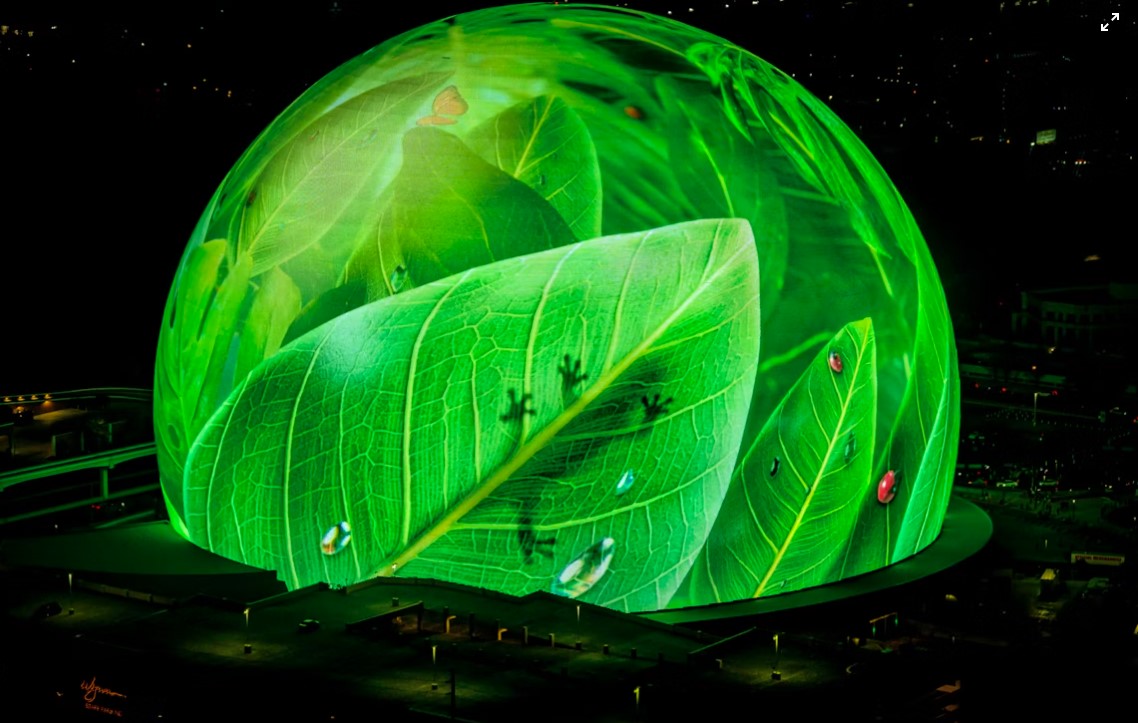
To keep your screen in top condition, you should inspect it regularly. Look for both visual and functional issues, such as dead pixels, abnormal brightness, or structural instability.
If you detect any problem, act immediately. Contact qualified technicians to repair or replace faulty components. Early intervention prevents minor issues from turning into costly failures.
In addition, cleanliness plays a critical role in maintaining display performance. Dust, dirt, and moisture can affect brightness and image clarity over time.
Use a soft cloth or a slightly damp wipe to clean the screen surface. Avoid abrasive materials or excessive moisture, as they may damage the LEDs or protective coating.
By maintaining a clean surface, you ensure consistent visual quality.
Finally, manage usage wisely. Although LED screens are designed for long operating hours, continuous overuse without proper rest can accelerate wear and tear.
Monitor the screen’s performance regularly. If you notice signs such as color fading, brightness drop, or surface aging, reduce usage and arrange professional servicing.
Proactive management will significantly extend the screen’s lifespan.
In summary, proper installation and maintenance are essential for maximizing the performance of your LED dome screen. You should:
By following these best practices, you can extend the lifespan of your LED dome screen while maintaining outstanding visual performance. More importantly, you ensure that your display continues to deliver impactful and immersive experiences over time.
 EN
EN
 AR
AR
 BG
BG
 HR
HR
 CS
CS
 DA
DA
 NL
NL
 FI
FI
 FR
FR
 DE
DE
 EL
EL
 HI
HI
 IT
IT
 JA
JA
 KO
KO
 NO
NO
 PL
PL
 PT
PT
 RO
RO
 RU
RU
 ES
ES
 SV
SV
 TL
TL
 ID
ID
 SR
SR
 UK
UK
 VI
VI
 ET
ET
 HU
HU
 TH
TH
 TR
TR
 FA
FA
 AF
AF
 MS
MS
 GA
GA
 HY
HY
 AZ
AZ
 MN
MN
 UZ
UZ











