
Home > News > Company News
When preparing video content for large LED screens at concerts, many people assume that 4K resolution is always the best choice. In reality, the answer depends on the actual resolution of the LED screen and the playback system used at the venue.
For example, an LED screen at a concert might be 30 feet wide, yet its maximum resolution could still be only 720p. In this situation, sending a 4K video file provides no real benefit. The playback system will simply scale the image down to the screen’s native resolution. As a result, the extra pixels in the 4K file never appear on the display.
Moreover, large venues such as arenas and stadiums often use non-standard screen dimensions and proprietary playback hardware. Because of this, they frequently impose specific requirements for video resolution, aspect ratio, and file format.
In many live performance setups, multiple LED panels combine to display a video signal with a resolution close to 1920×1080. However, this is not always a standard 16:9 rectangle.
In some cases, the screen layout may look irregular—almost like a Tetris-style shape. The visible stage surface might include gaps, curves, or unconventional proportions depending on the stage design.
For this reason, the best approach is to contact the venue’s technical director or video engineer. They can provide the exact specifications, including:
The screen’s native resolution
The input resolution required by the LED processor
The pixel mapping layout
Supported codecs and containers
File transfer requirements
Large video files can be difficult to move quickly, so teams sometimes negotiate alternative delivery methods, such as external drives or media server uploads.
If certain visual elements must appear in precise locations—such as logos, lyrics, or graphics—you should request an input mapping diagram.
Input mapping tells you exactly:
which parts of your video correspond to each section of the LED wall
where specific visual elements will appear on the stage
the resolution of each mapped region
With this information, you can design your visuals accurately and avoid important elements being cut off or misplaced.
One common approach is to deliver a 16:9 4K master video along with instructions for the video team. The technician responsible for LED playback can then remap the content to fit the stage layout.
Although this process may not always produce the most optimized result, the higher resolution gives the playback system more flexibility. If the playback hardware is powerful enough, the technician can scale and crop the content to create dynamic visual effects.
In many concert environments, this playback hardware is a media server designed specifically for live visual production.
Unlike traditional displays, LED screens define resolution through pixel pitch, which refers to the distance between the centers of two adjacent pixels. Pixel pitch is measured in millimeters.
For example, a P3.91 LED display has a pixel pitch of 3.91 mm. This specification typically results in a density of about 256 pixels per meter, which is considered an industry standard in many regions for stage LED walls.
Smaller pixel pitch produces higher resolution and sharper images, but it also increases the overall cost of the display system.
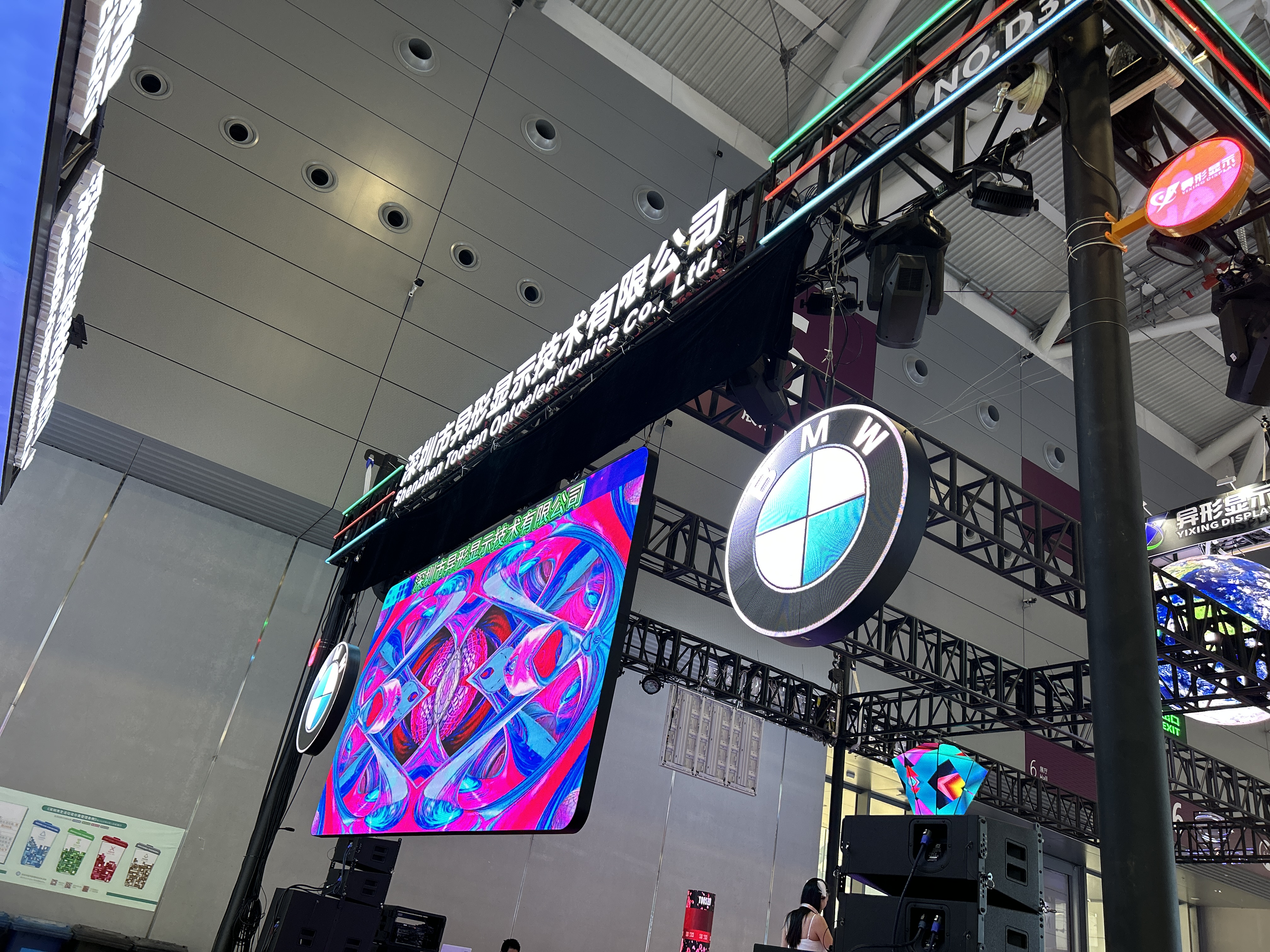
If you use the live video software Resolume for playback, the ideal delivery format depends on the type of content and the playback requirements.
Here are common options used in professional VJ workflows:
1. SSD delivery for live playback
The preferred format is DXV3-encoded video files, optimized for Resolume performance.
2. Online delivery without alpha channel
Standard H.264 MP4 files usually work well and maintain manageable file sizes.
3. Content requiring an alpha channel but no audio
Use PNG or TIFF image sequences to preserve transparency.
4. Content requiring both alpha channel and audio
In rare cases where both are necessary, Apple ProRes 4444 is typically used. In this scenario, the audio output should be limited to stereo.
If you perform on multiple stages or collaborate with a VJ, it can be helpful to build a visual asset pack for live shows.
A typical content package might include:
looping background visuals
animated overlays
static graphic elements
branding elements or logos
motion textures or abstract animations
Basic visuals such as solid colors, gradients, or simple text are often generated directly by media servers, so you do not need to include them in the package.
However, you should provide reference images or inspiration boards to communicate the desired visual style. Including a setlist with suggested visuals for each song can also help the VJ synchronize graphics with the performance.
Before delivering any video content for a concert LED screen, take these steps:
Confirm the LED screen specifications with the venue, including resolution and pixel mapping.
Check which file formats and codecs the playback system supports.
Send a short test video early to verify that the content displays correctly.
This preparation ensures that your visuals look exactly as intended when they appear on the stage.
 EN
EN
 AR
AR
 BG
BG
 HR
HR
 CS
CS
 DA
DA
 NL
NL
 FI
FI
 FR
FR
 DE
DE
 EL
EL
 HI
HI
 IT
IT
 JA
JA
 KO
KO
 NO
NO
 PL
PL
 PT
PT
 RO
RO
 RU
RU
 ES
ES
 SV
SV
 TL
TL
 ID
ID
 SR
SR
 UK
UK
 VI
VI
 ET
ET
 HU
HU
 TH
TH
 TR
TR
 FA
FA
 AF
AF
 MS
MS
 GA
GA
 HY
HY
 AZ
AZ
 MN
MN
 UZ
UZ











