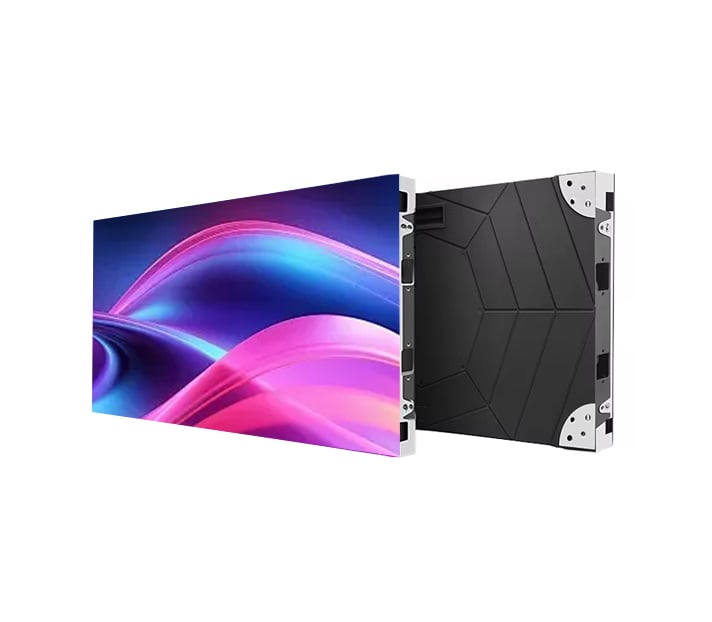
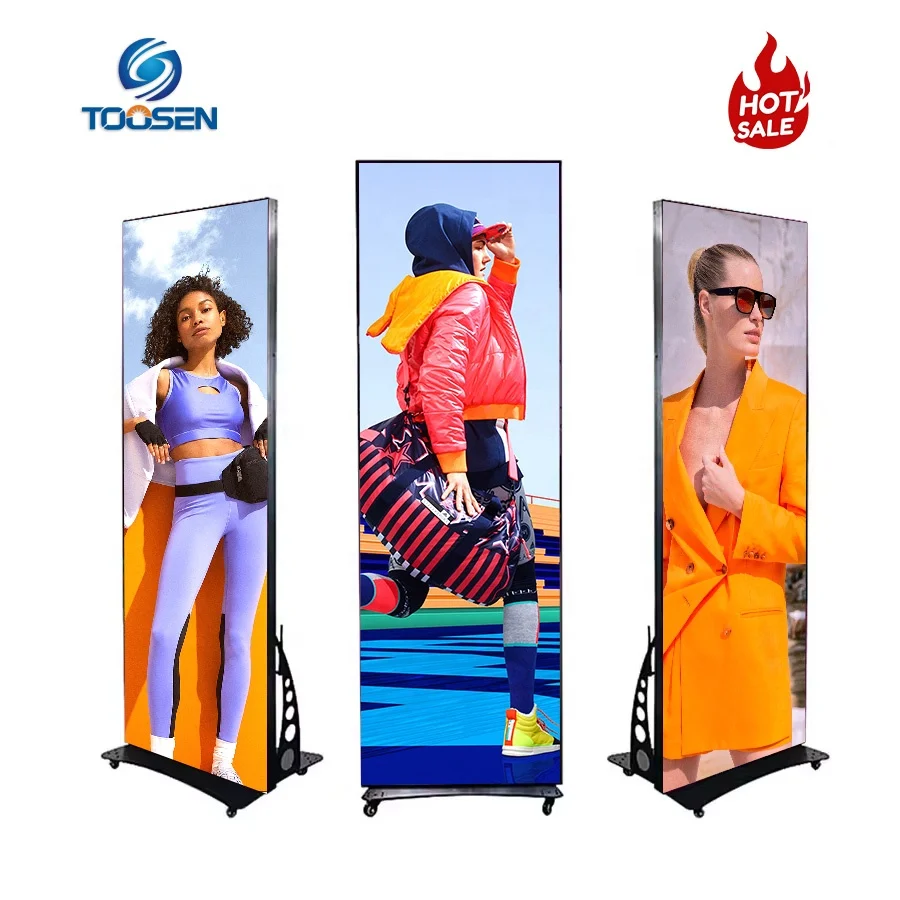
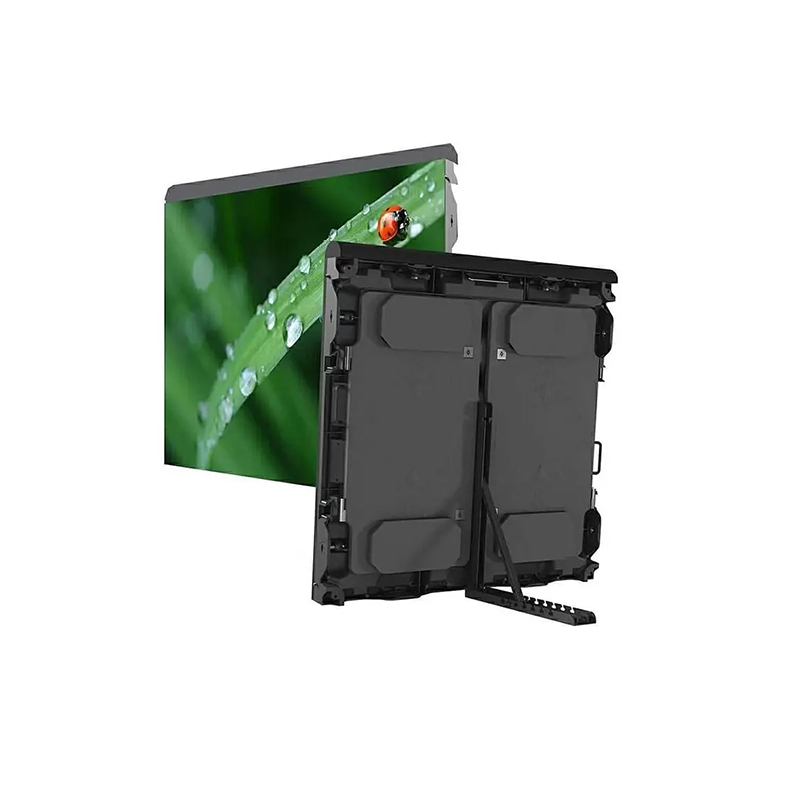
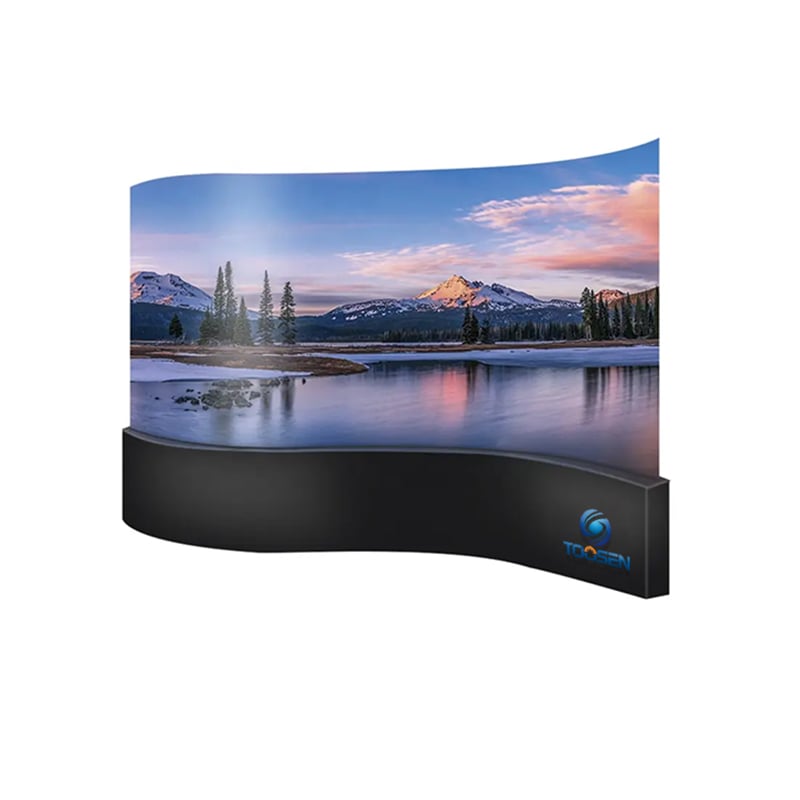
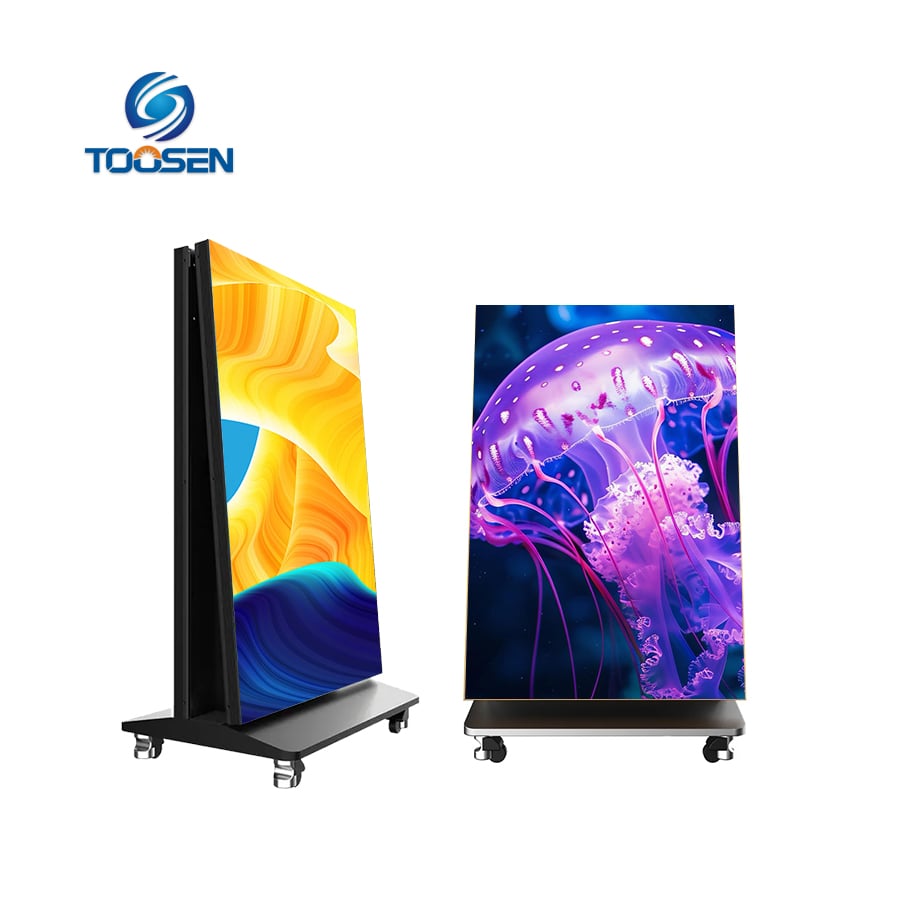
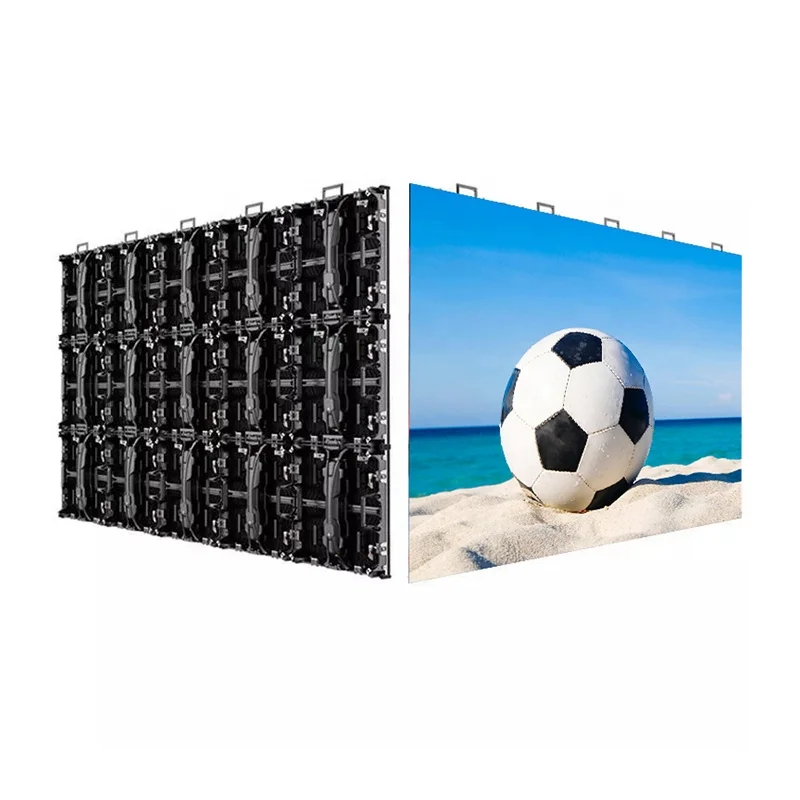
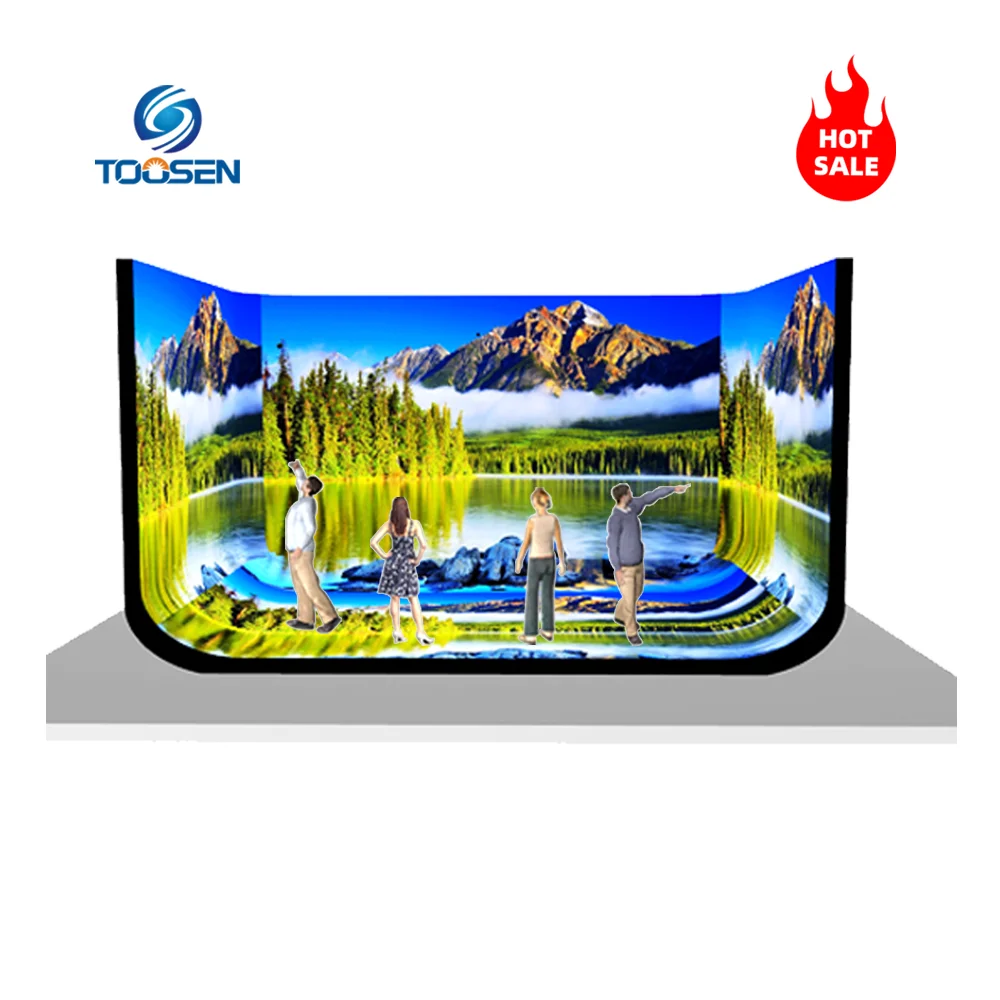
Ang mga komersyal na LED wall ay maaaring baguhin ang isang hotel lobby, casino, retail store, event venue, o corporate space. Gayunpaman, maraming negosyo ang mabilis na natutuklasan ang isang mahalagang katotohanan:
Apremium LED display ay hindi nangangahulugan ng premium na resulta sa visual.
Sa katunayan, ang nilalaman ay kasing-importante ng hardware. Ang mga video na hindi maayos na in-optimize ay maaaring magmukhang malabo, mag-stutter habang pinapatakbo, o magpahayag ng mga compression artifact na lubhang napapansin sa malalaking LED screen.
Isang kamakailang talakayan sa Reddit CommercialAV community ang nagtampok ng isang karaniwang hamon sa industriya: ang paghahanap ng nilalaman para sa LED wall na tunay na professional ang itsura sa malalaking komersyal na display.
Ipinapaliwanag ng artikulong ito kung anong uri ng nilalaman ang pinakamainam para sa mga LED wall, bakit nabigo ang karaniwang video footage, at paano mapapabuti ng mga negosyo ang kalidad ng playback para sa mas mahusay na karanasan ng manonood.
Maraming tao ang umaakala na maaari nilang i-upload nang direkta ang karaniwang mga video sa 4K sa isang LED wall. Sa kasamaang-palad, ang ganitong paraan ay madalas na nagdudulot ng hindi kasiya-siyang resulta.
Iba ang pag-uugali ng mga LED video wall kumpara sa mga TV at LCD display dahil sa mga sumusunod:
Dahil dito, ang nilalaman na mukhang maganda sa isang monitor ay maaaring mukhang napakasama sa isang malaking LED installation.
Halimbawa:
Kaya naman, ang komersyal na LED wall ay nangangailangan ng maingat na optimisadong media.
Ang mga ekspertong AV professional ay karaniwang pabor sa nilalaman na may malalakas na visual at kontroladong galaw. Sa maraming kaso, ang simpleng visual ay mas epektibo kaysa sa napakadetalyadong cinematic footage.
Narito ang pinakaepektibong estilo ng nilalaman para sa komersyal na LED display.
Ang mga abstraktong animasyon ay nananatiling isa sa pinakapopular na piliin para sa LED wall dahil sa mga sumusunod:
Ang mga agos na partikulo, heometrikong animasyon, galaw ng likido, at ambient na visuals ay karaniwang nagbibigay ng mahusay na resulta.
Ang mga footage ng kalikasan na gumagalaw nang mabagal ay gumagana rin nang maayos, lalo na sa mga sumusunod:
Mga sikat na opsyon ay kinabibilangan ng:
Gayunpaman, dapat pa ring i-optimize nang maingat ng mga nilikha ang footage. Ang mabigat na compression ay maaaring sirain ang natural na gradation at mga madilim na eksena.
Maraming kumpanya ngayon ang gumagamit ng LED wall upang palakasin ang identidad ng brand imbes na simpleng ipakita ang mga anunsiyo.
Halimbawa, ang mga negosyo ay kadalasang gumagawa ng:
Creative na LED Display ang nilalaman ay tumutulong sa mga brand na mag-iba habang pinapabuti ang pakikipag-ugnayan sa customer.
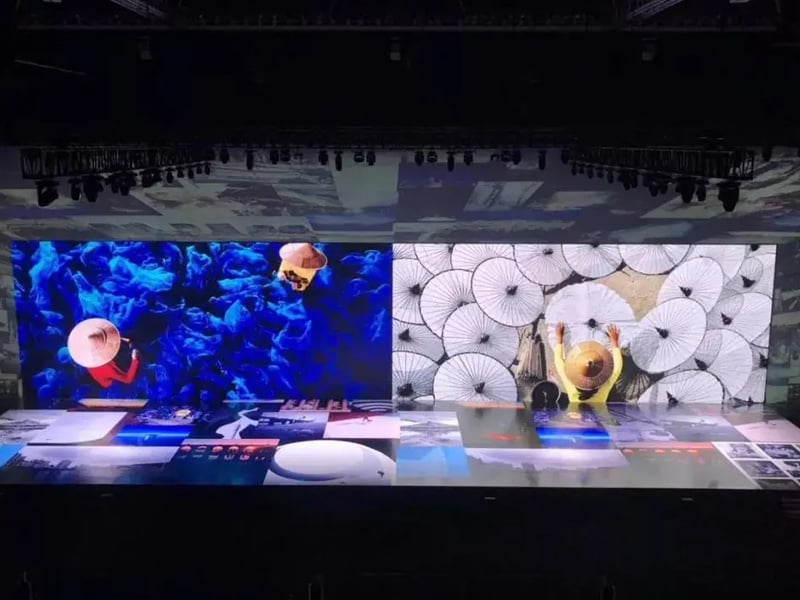
Bagaman ang mga stock footage library ay nag-ofer ng libu-libong video, ang karamihan sa nilalaman na ito ay hindi talaga idinisenyo para sa mga LED display.
Ito ay nagdudulot ng ilang problema.
Ang mga pader na LED ay nagpapalaki ng mga visual na depekto. Ang mga bloke ng compression at ingay na tila hindi nakikita sa isang laptop ay naging napakadaling makita sa isang malaking display.
Maraming stock video ang hindi maayos na umauulit. Bilang resulta, napapansin ng mga manonood ang mga biglang pagkakataon ng pagtalon tuwing ilang segundo.
Para sa mga komersyal na instalasyon na tumatakbo buong araw, ang mahinang pag-uulit ay mabilis na nagiging nakakaabala.
Ang ultra-detaladong footage ay maaaring lubhang abalahin ang mga display na may mas mababang pixel-pitch. Sa halip na mukhang mas malinaw, maaaring mukhang hindi stable o puno ng ingay ang imahe.
Kaya nga ang maraming propesyonal sa AV ang kumikilala ng mas malinis na motion graphics kaysa sa sobrang aktibong cinematic footage.
Ang kalidad lamang ng nilalaman ay hindi sapat. Ang pag-optimize din ng playback ay gumaganap ng mahalagang papel.
Ang talakayan sa Reddit ay partikular na binanggit ang mga hamon sa playback gamit ang BrightSign media players kapag hinahandle ang mataas na bitrate na nilalaman.
Ito ay isang karaniwang isyu sa mga komersyal na proyekto ng AV.
Ang napakataas na bitrate ay hindi laging nagpapabuti ng kalidad ng visual. Sa katunayan, maaari nilang sobrang i-load ang mga media player at magdulot ng pagkawala ng mga frame.
Sa halip:
Maraming mga instalasyon ay gumagana nang mas mahusay gamit ang maayos na optimisadong mga file na H.265 kaysa sa labis na malalaking file na H.264.
Gumawa ng content na nakabase sa aktwal na resolusyon ng pixel ng LED wall.
Halimbawa, ang isang malaking LED wall ay maaaring pisikal na tila napakalaki ngunit tumatakbo pa rin sa isang relatibong modest na resolusyon ng pixel kumpara sa karaniwang mga display na 4K.
Ang paglikha ng nilalaman sa tamang resolusyon ay nagpapabuti ng kahusayan ng pagpapalabas habang binabawasan ang mga isyu sa pag-scale.
Ang makinis na pag-uulit ay lumilikha ng mas propesyonal na hitsura.
Upang makamit ito:
Isang perpektong 20-segundong ulit-ulit ay karaniwang mas maganda kaysa sa isang kumplikadong 3-minutong video.
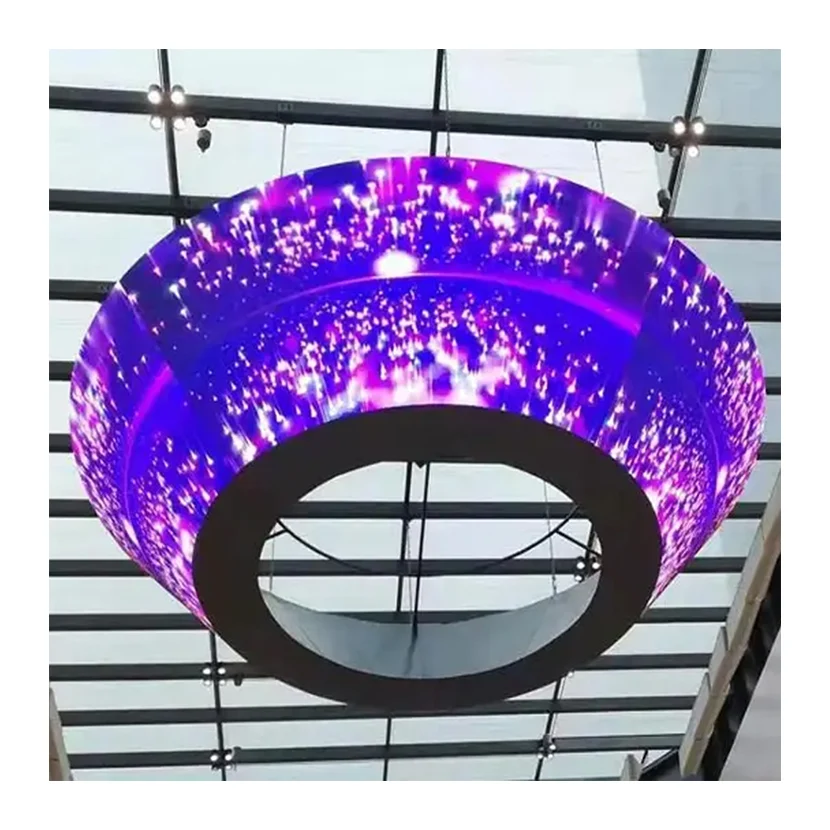
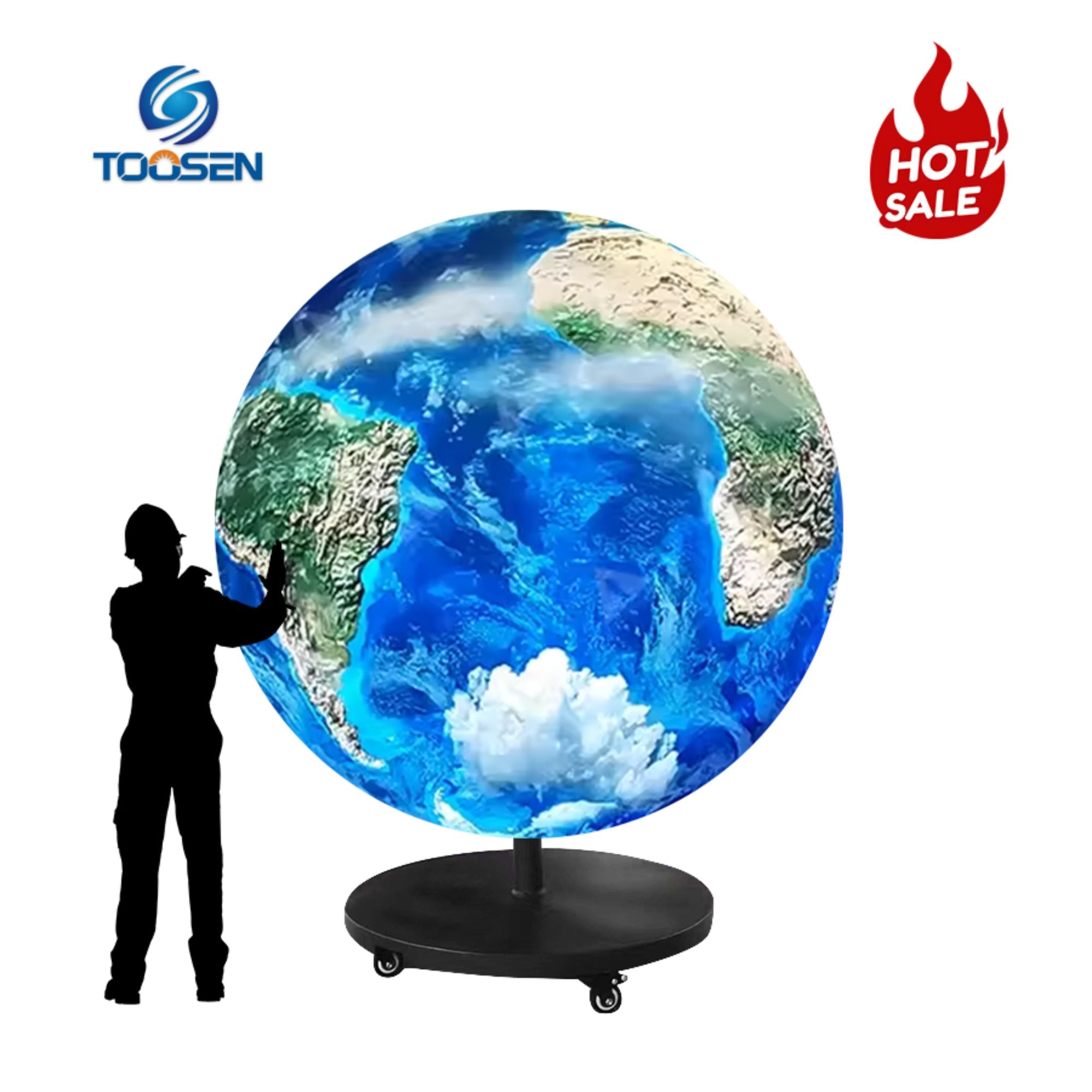
Habang ang mga instalasyon ng LED ay naging mas kreatibo, ang mga negosyo ay mas kumakalat na nag-iinvest sa mga pasadyang karanasan sa paningin.
Kasalukuyang kasama sa mga display ng LED:
Ang karaniwang nilalang na video ay bihira nang umaangkop nang maayos sa mga natatanging format na ito.
Kaya naman, maraming brand ang ngayon ay lumilikha ng pasadyang media partikular para sa kanilang mga istrukturang LED. Ang pamamaraang ito ay nagpapabuti ng pag-immersion habang pinapakita ang buong visual impact ng display.
Ang isang komersyal na pader na LED ay ganoon lamang ang kahanga-hanga batay sa nilalaman na tumatakbo dito.
Ang mataas na kalidad na mga visual, ang mga setting ng playback na naka-optimize, at ang maayos na disenyo ng mga graphic na may galaw ay maaaring makapagpabuti nang malaki sa karanasan ng manonood. Samantala, ang mahinang compressed na stock footage ay maaaring gawing hindi propesyonal ang anumang mahal na instalasyon ng LED.
Para sa pinakamahusay na resulta:
Habang patuloy na umuunlad ang komersyal na teknolohiya ng LED, lalo pang magiging mahalaga ang estratehiya sa nilalaman. Ang mga negosyo na nag-iinvest hindi lamang sa hardware kundi pati na rin sa disenyo ng visual ay makakalikha ng mas malakas at mas naaalalang digital na karanasan.
 EN
EN
 AR
AR
 BG
BG HR
HR
 CS
CS
 DA
DA
 NL
NL
 FI
FI FR
FR
 DE
DE EL
EL
 HI
HI
 IT
IT JA
JA
 KO
KO
 NO
NO PL
PL PT
PT RO
RO
 RU
RU
 ES
ES
 SV
SV
 TL
TL
 ID
ID
 SR
SR
 UK
UK VI
VI
 ET
ET
 HU
HU
 TH
TH
 TR
TR
 FA
FA
 AF
AF
 MS
MS
 GA
GA
 HY
HY
 AZ
AZ
 MN
MN
 UZ
UZ